
Shading and Texturing
Materials, UVs, baking and PBR work in Substance, Blender and beyond.
Shading and Texturing Articles
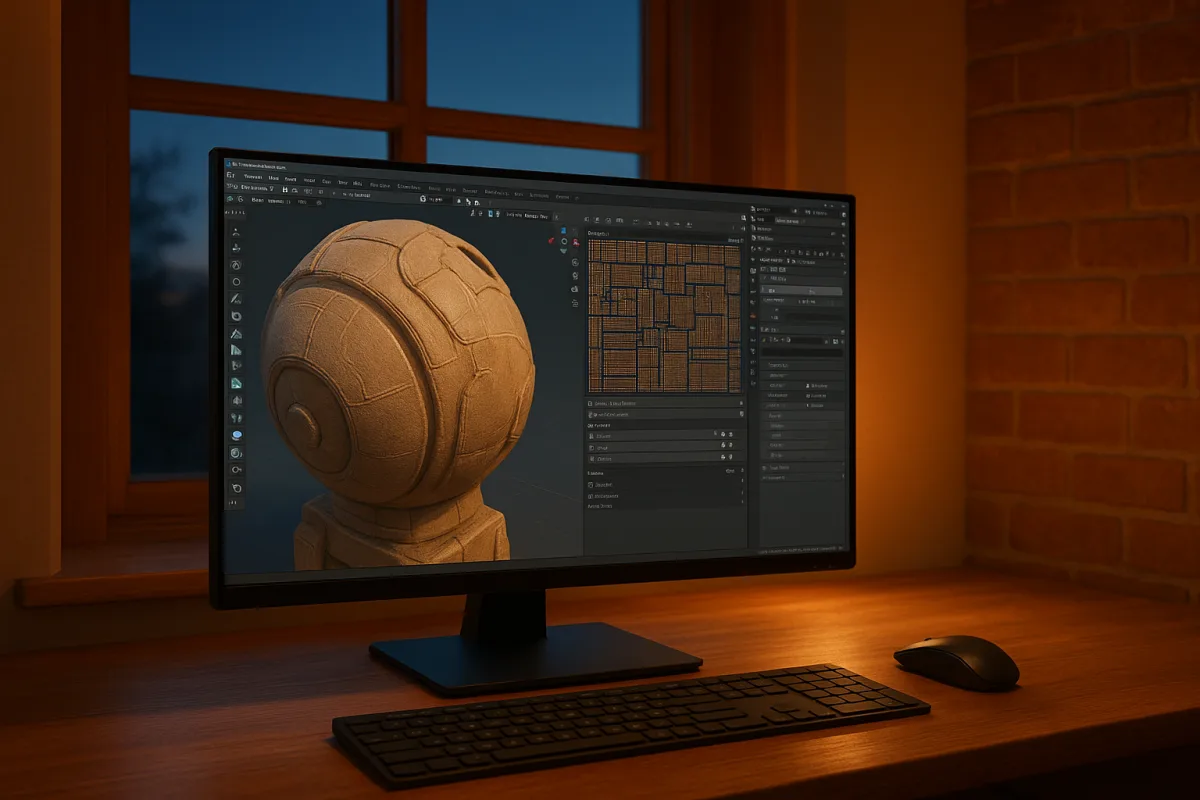
Troubleshooting Texture Painting Issues in Blender
Learn how to troubleshoot texture painting issues in Blender, including seam lines, bleed problems, UV layout, and multi-material painting.
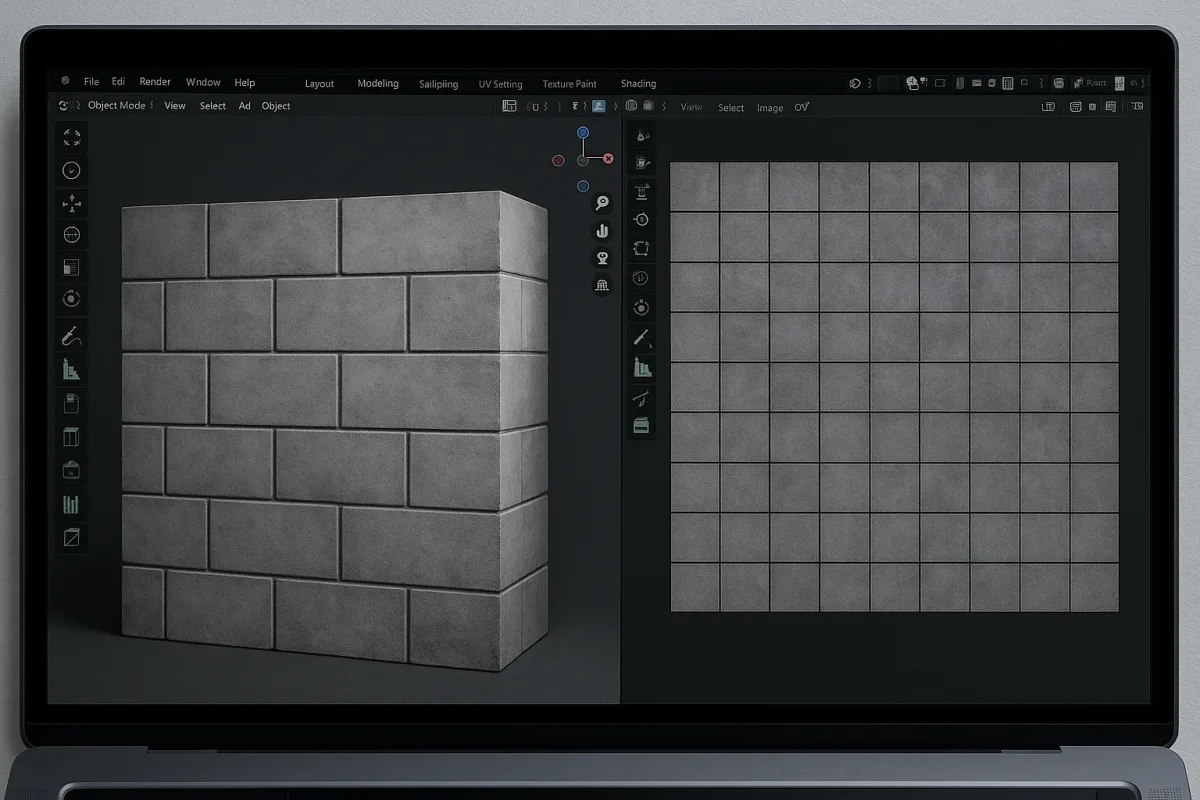
Create Seamless Texture in Blender: Step-by-Step Guide
Learn how to create seamless textures in Blender with tips on UV unwrapping, painting, resolution, and fixing seams for perfect tileable results.
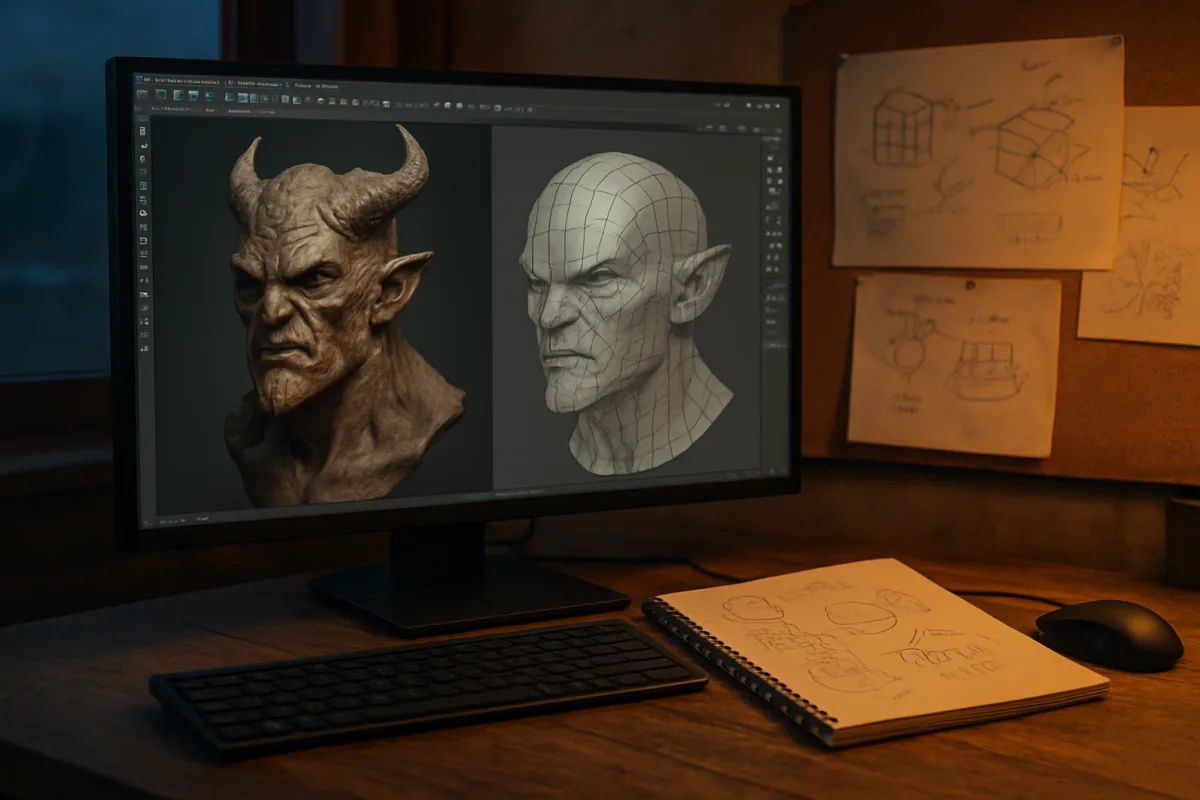
Bake Normal and Displacement Maps from High Poly Sculpts
Learn how to bake normal and displacement maps from high poly sculpts with software-agnostic tips for topology, cages, UVs, and texture resolution.
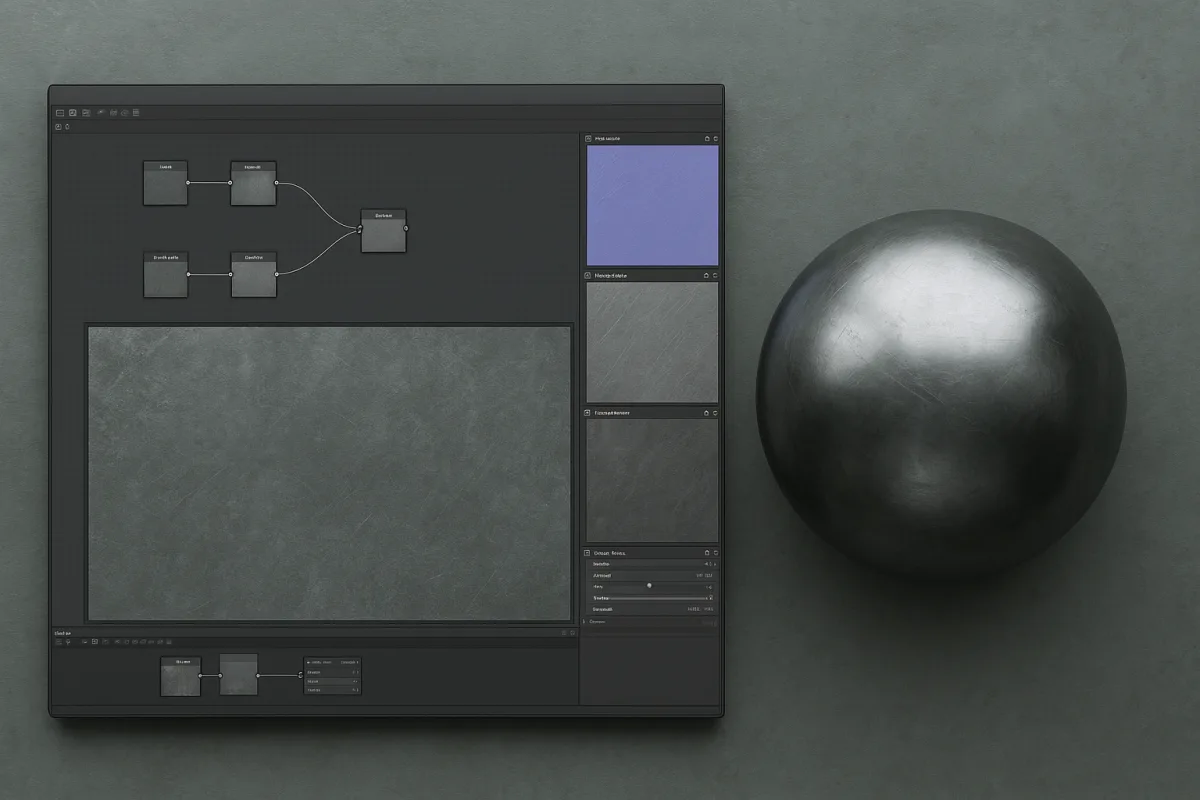
Create Realistic Metal Materials in Substance Designer
Learn how to create realistic metal materials in Substance Designer with PBR values, roughness, normal maps, and wear details.
Best Practices for Shaders in Blender
Learn best practices for shaders in Blender, including roughness control, metallic setup, and correct texture data handling for realistic materials.
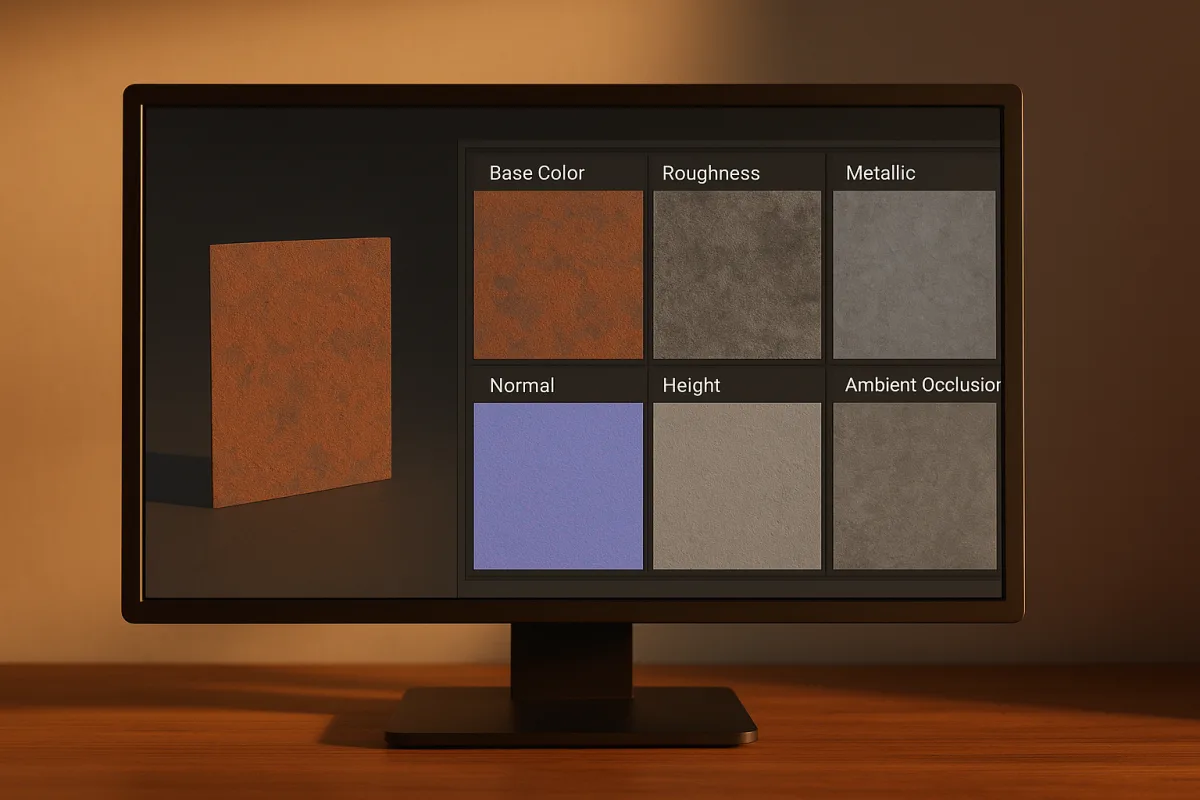
Create PBR Materials from Scratch: A Practical Guide
Learn how to create PBR materials from scratch with correct texture maps, workflows, and software tips for realistic 3D rendering.
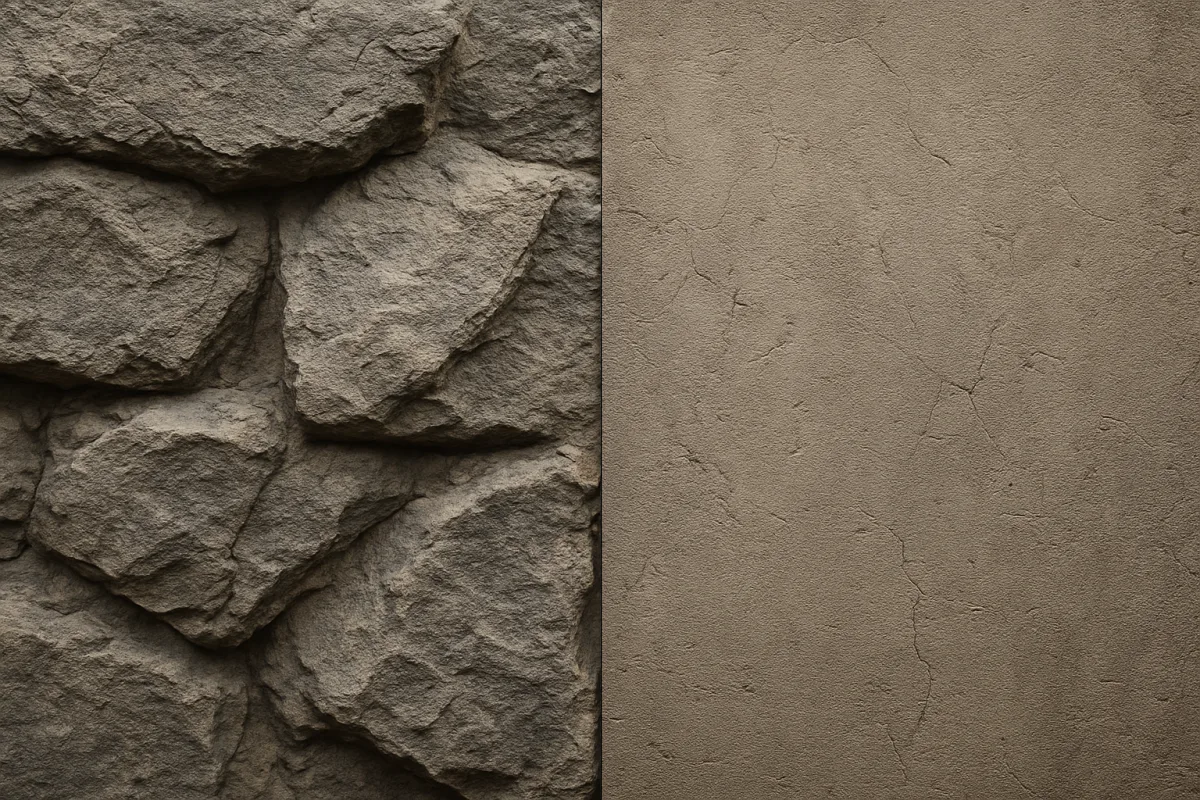
Difference Between Normal Maps and Displacement Maps
Learn the difference between normal maps and displacement maps and when to use each for 3D modeling and rendering.
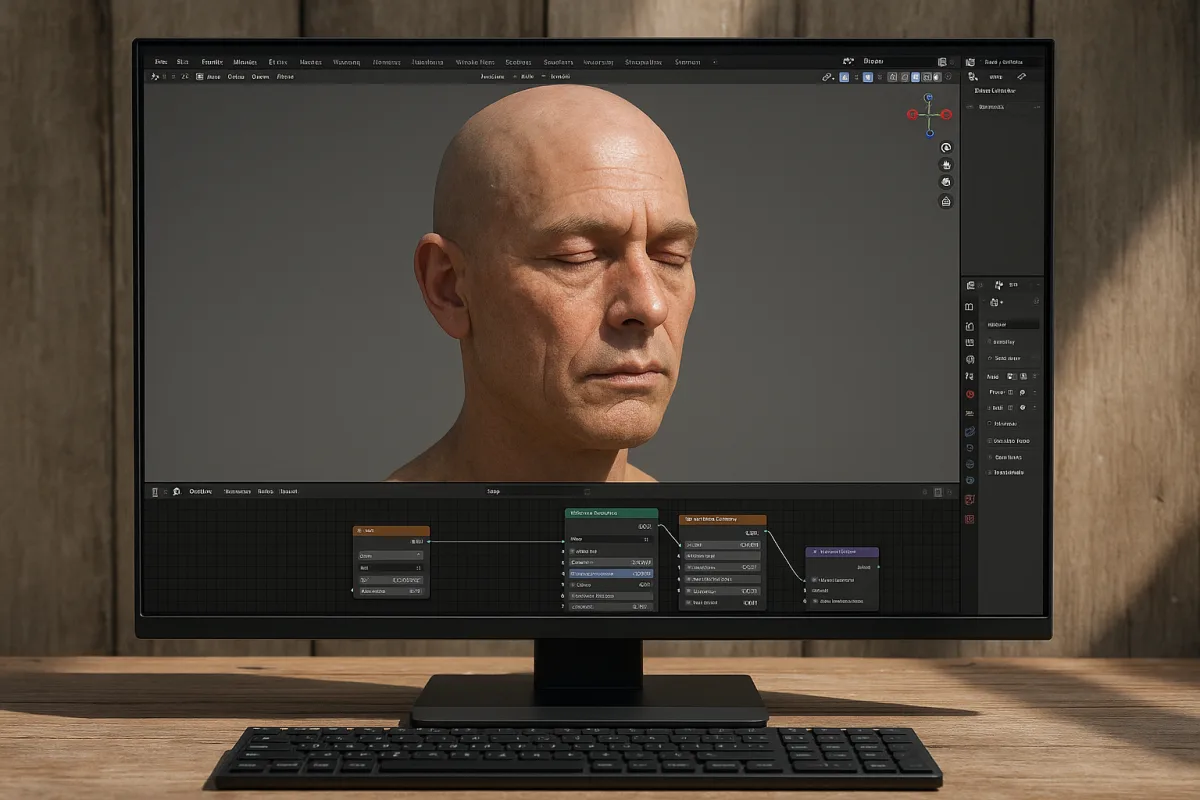
Realistic Character Skin Shader Blender: Step-by-Step Guide
Learn how to create a realistic character skin shader in Blender using subsurface scattering, proper texture setup, and scale considerations.
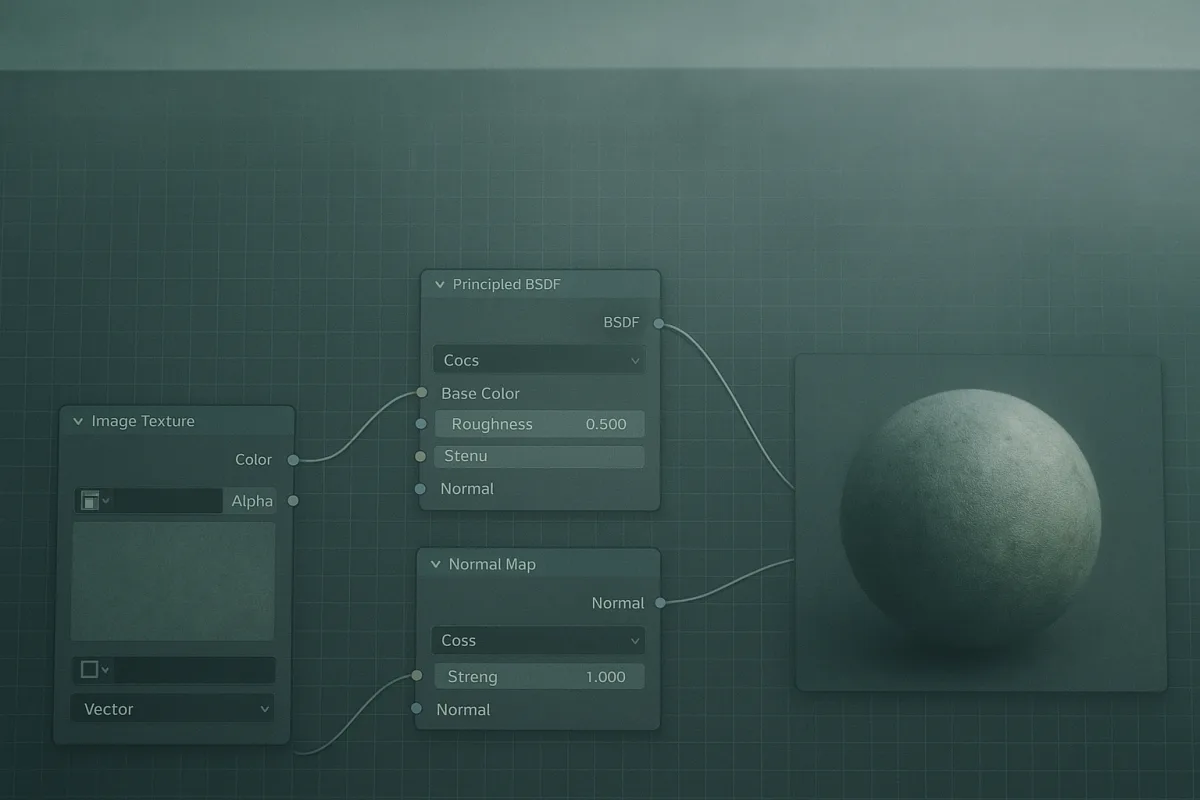
Using Nodes for Shading in Blender: A Practical Guide
Learn how to use nodes for shading in Blender with tips on Principled BSDF, texture color spaces, and Cycles vs Eevee differences.
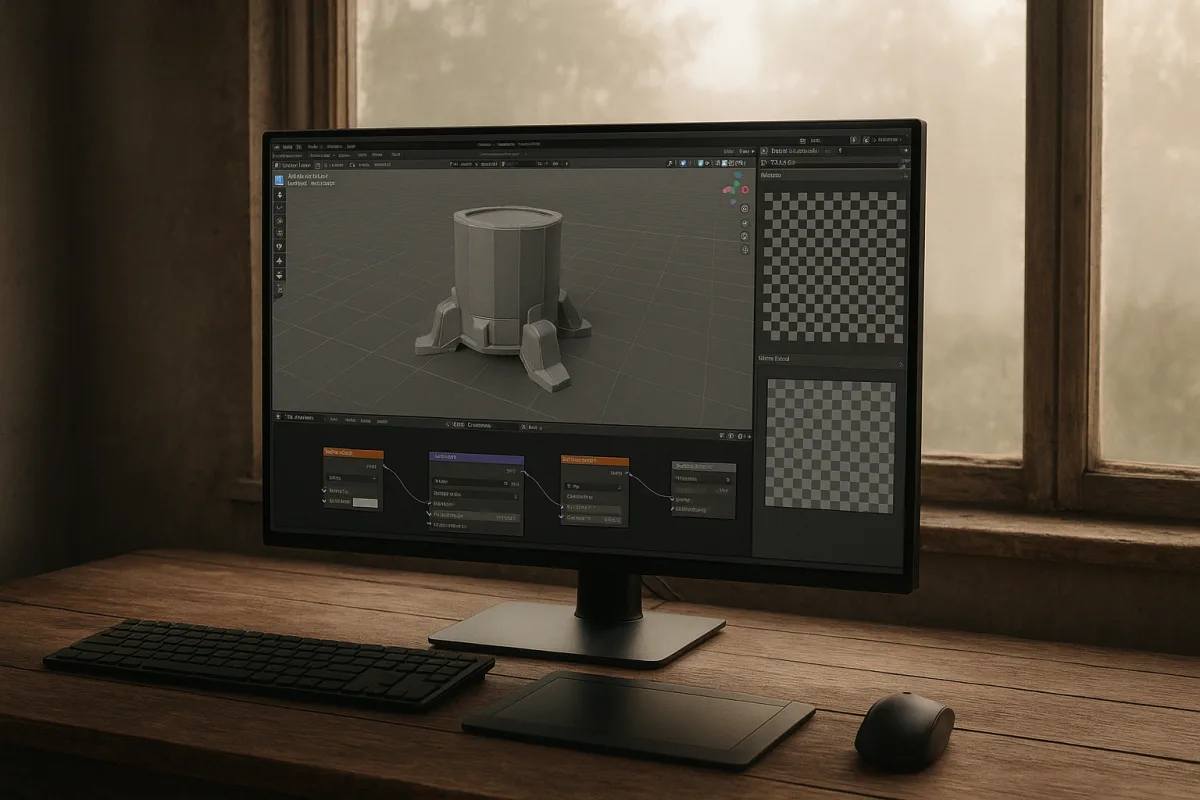
How to Bake Textures in Blender: A Practical Guide
Learn how to bake textures in Blender with tips on UVs, resolution, and Cycles baking for game-ready assets and efficient workflows.
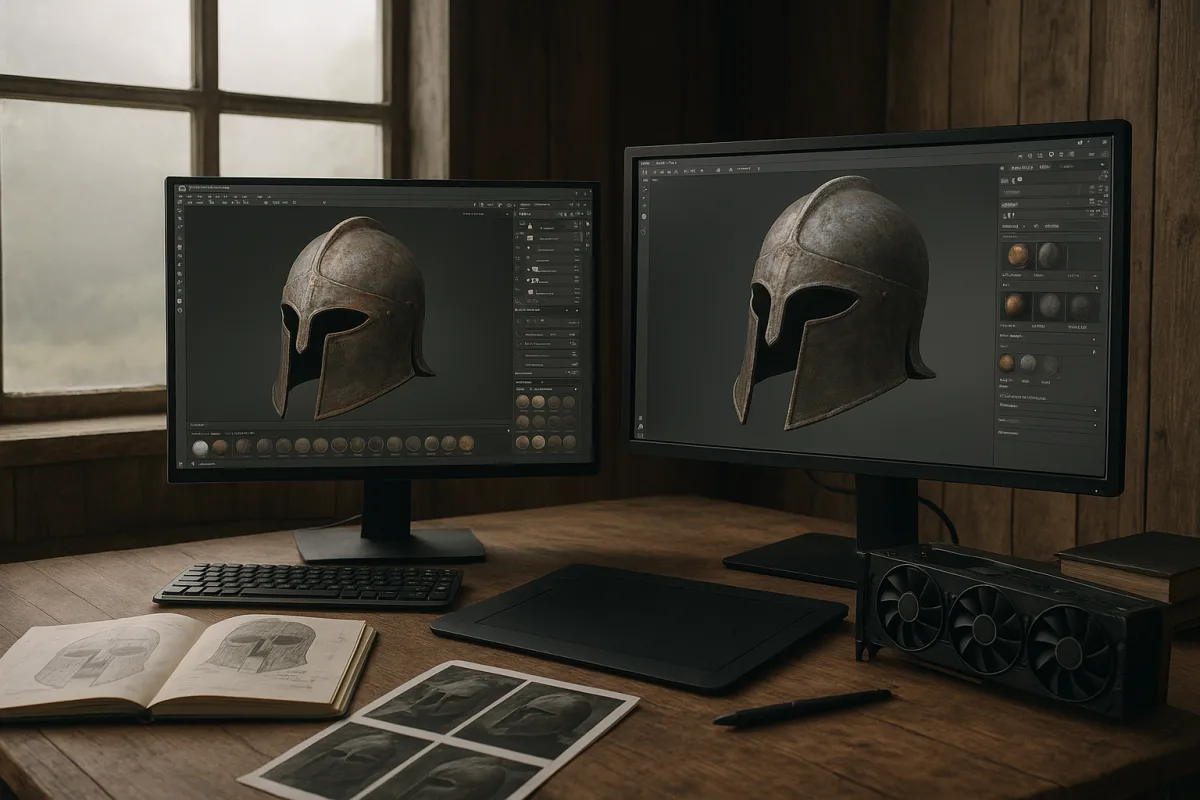
Best Software for Realistic Texture Painting on 3D Models
Compare the best software for realistic texture painting on 3D models, including Substance 3D Painter and 3DCoat, with workflow and hardware tips.
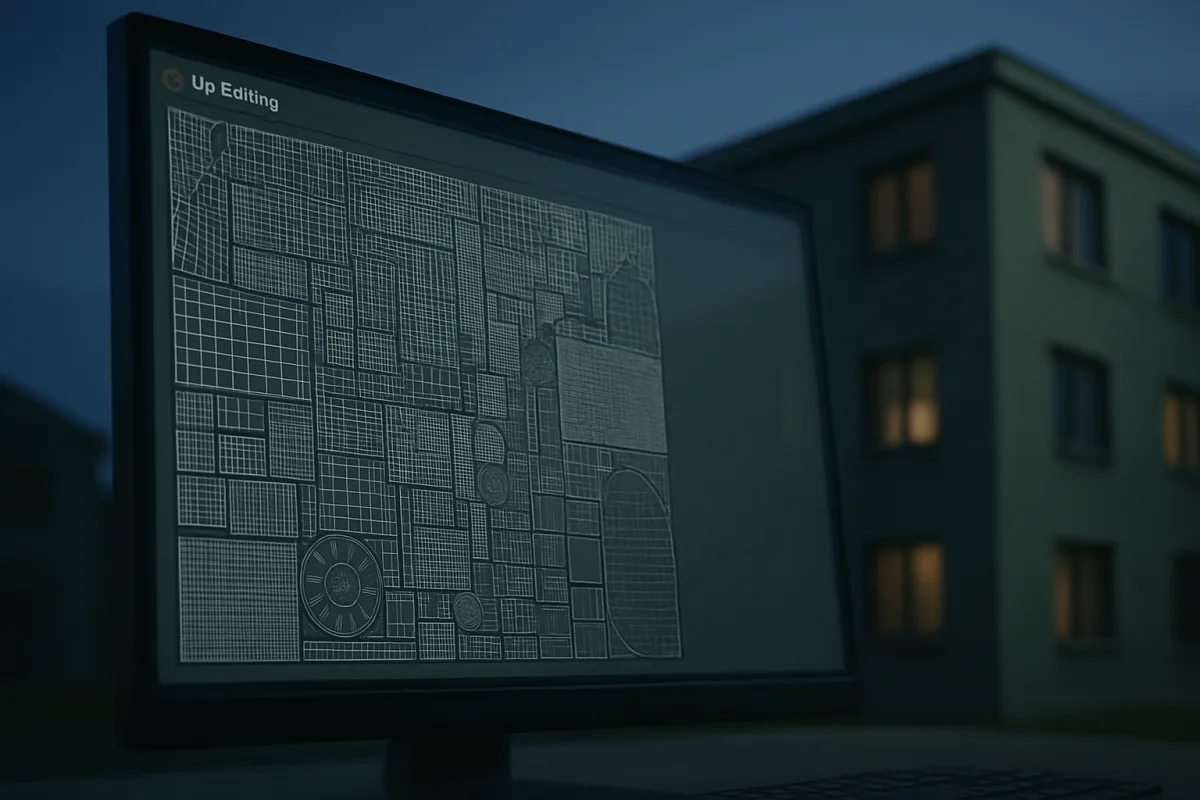
Realistic Textures in Blender: A Complete Guide
Learn how to create realistic textures in Blender with techniques for UV unwrapping, PBR materials, and avoiding common mistakes.

Texturing Shoe Design: Adobe Substance 3D Painter Tutorial
Watch Hussain Almossawi from Adobe Substance 3D Painter texture a shoe design inspired by sports cars using materials like leather and carbon fiber. Learn how to adjust colors, blend materials, and add details like logos for a unique and storytelling design process.

Blender 4.4 Bump Map Node: Avoid Material Destruction with Filter Width Adjustment
Blender 4.4 introduces filter width in the bump map node. Christopher 3D warns of its destructive impact on materials, advising users to adjust the default value to avoid rendering issues.

Evolution of Texture Materials in Hell Divers 2: Insights from Adobe Substance 3D
Adobe Substance 3D explores the pipeline evolution in Hell Divers 2. Senior artist Roman details texture material and shadow development, highlighting challenges and solutions in material creation for the game's diverse biomes.
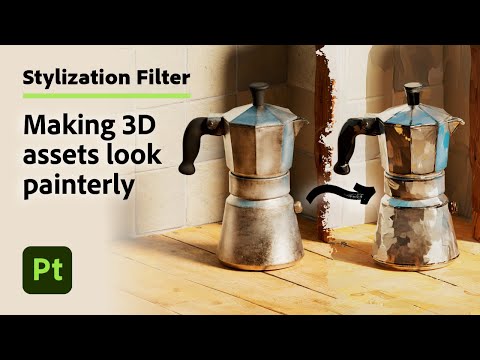
Transform Realistic Models with Adobe Substance 3D's Stylization Filter
Discover how Adobe Substance 3D's Stylization Filter transforms realistic models into stunning stylized assets in Substance 3D Painter. Customizable presets, brush stroke control, smoothing effects, color variations, gradients, lighting reflections, and contour enhancements make stylization a breeze. Elevate your 3D creations with this powerful tool.
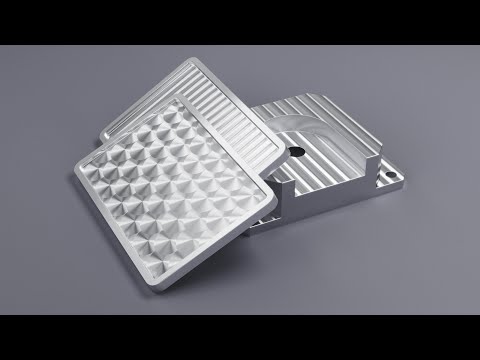
Mastering Procedural Machine Metal Materials in Keyshot: A Texture-Free Guide
Learn how to create a stunning procedural machine metal material in Keyshot without external textures. Control light reflection angles using color gradients for a realistic finish. Enhance contrast and directionality for a polished look. Explore the versatility of Keyshot for top-notch renders.
Mastering Anisotropic Reflections in Blender 4.3
Explore the world of anisotropic reflections in Blender 4.3 with Christopher 3D. Learn how to control bias and direction for realistic 3D renders.

Discover Sanctus Library 3.0: New Materials & Creative Tools for Blender
Explore the new features in Sanctus Library version 3.0 for Blender on The CG Essentials. This update introduces 28 new materials, including customizable bricks, tiles, stones, and road textures. Unleash your creativity with tools like neon sign, moss, and plank generators, offering endless possibilities for digital design.
Woolly: Create Realistic Wool and Felt Materials in Blender
Discover Woolly, a Blender add-on by Double Gum on The CG Essentials, creating realistic wool/felt materials. Customize fur length, density, color, and more for stunning 3D visuals. Stay tuned for upcoming updates adding new features to enhance your designs.