
Mastering Anisotropic Reflections in Blender 4.3
- Authors
- Published on
- Published on
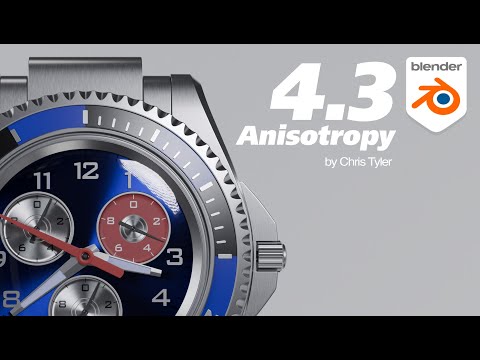
Today on Christopher 3D, we dive into the fascinating world of anisotropic reflections in Blender 4.3. Anisotropia - a term that sounds like it belongs in a sci-fi novel - actually refers to a directional bias that can be found in various parameters within Blender. Think of it as a fancy way to describe how light scatters in a non-random manner, creating unique effects on surfaces like machined metallic components or even Christmas ornaments. It's the kind of thing that adds that extra touch of realism to your 3D creations, making them pop with character and detail.
In this video, the team takes us through the nitty-gritty details of managing anisotropic reflections within the specular section of the principled BSDF in Blender. They show us how tweaking parameters like anisotropy and rotation can control the strength and direction of the bias, affecting both specular highlights and glossy reflections. It's like having a virtual workshop where you can fine-tune every aspect of how light interacts with your digital creations, giving you ultimate control over the final look and feel of your renders.
But it's not all technical jargon and button-clicking - the team at Christopher 3D brings the concept of anisotropic reflections to life with practical examples using simple shapes and materials in Blender. By manipulating bump maps and adjusting the orientation of virtual strands, they demonstrate how these techniques can be used to create stunning visual effects that mimic real-world surfaces. It's a masterclass in blending artistry with technology, showing us how a deep understanding of light behavior can elevate your 3D projects from good to jaw-droppingly great. So buckle up, grab your virtual toolbox, and get ready to explore the mesmerizing world of anisotropic reflections in Blender like never before.
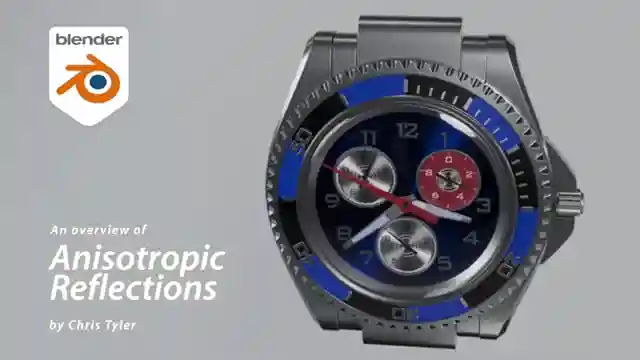
Image copyright Youtube
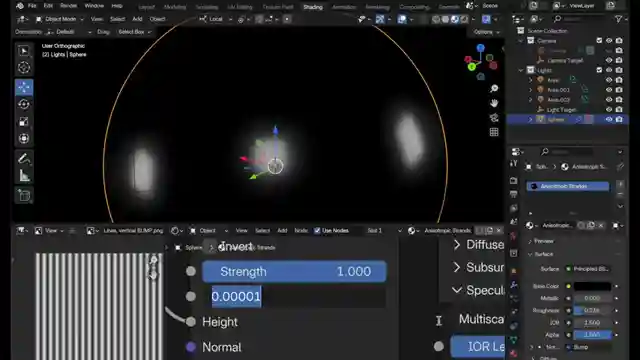
Image copyright Youtube
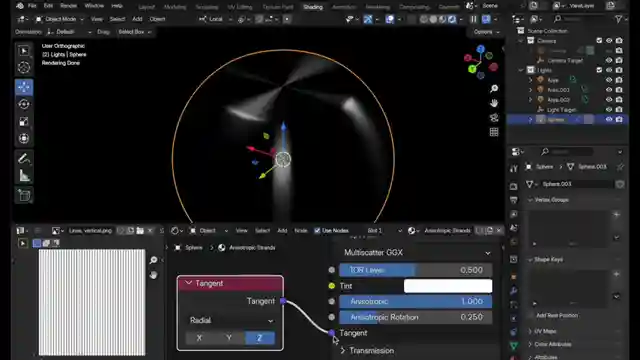
Image copyright Youtube
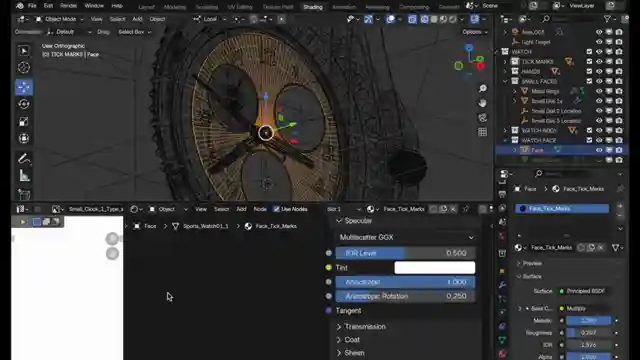
Image copyright Youtube
Watch Anisotropy in Blender 4.3 on Youtube
Viewer Reactions for Anisotropy in Blender 4.3
Viewers appreciate the detailed and technical explanations provided in the video
Some viewers mention the need for EEVEE to support Anisotropy in the future
A commenter appreciates the clarification on the bump node and suggests renaming it for better understanding
There are suggestions for improving anisotropic surfaces, such as using noise for variations and dealing with singularity points
Questions are raised about painting an anisotropy direction map and using anisotropy on different hard surface parts
One viewer asks about the effects of bump mapping based on distance from the camera
Another viewer inquires about how anisotropic works in subsurface scattering and requests examples
Related Articles
Master Blender Modeling: Contact Lens Case Tutorial with Christopher 3D
Learn Blender modeling tips from Christopher 3D's tutorial on creating a contact lens case for 3D printing. Master five primary tools like bevel and knife, alongside five secondary tools for precise mesh manipulation. Elevate your skills in subdivision surfaces and quad formation.
Blender 5 Beginner Tutorial Series: Learn 3D Modeling Basics
Explore a Blender 5 beginner tutorial series that teaches 3D modeling, topology, lighting, and rendering with a focus on workflow dependencies.
Mastering Procedural Machine Metal Materials in Keyshot: A Texture-Free Guide
Learn how to create a stunning procedural machine metal material in Keyshot without external textures. Control light reflection angles using color gradients for a realistic finish. Enhance contrast and directionality for a polished look. Explore the versatility of Keyshot for top-notch renders.
Best Practices for Rendering Animations in Blender
Learn the best practices for rendering animations in Blender, including sample settings, adaptive sampling, denoising, and output formats.