
Best Software for Procedural Texture Creation in 2026
Explore the best software for procedural texture creation, comparing Substance Designer and Houdini for different workflows and material needs.
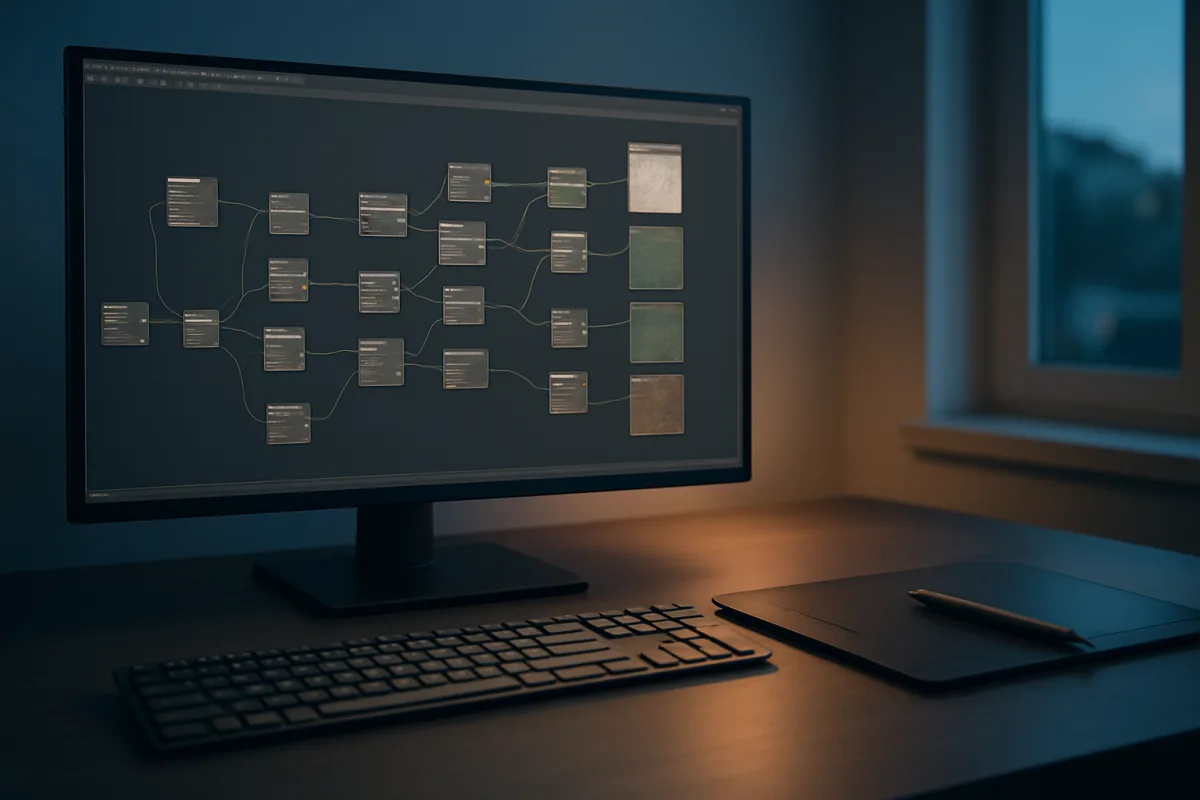
The decision: Houdini 21 or Substance 3D Designer 2026?
For procedural texture creation, we would choose Adobe Substance 3D Designer 2026 for most artists making game assets, props, environments, and reusable material libraries. We would choose SideFX Houdini 21 when the material needs to respond to generated geometry or scene data.
That distinction matters more than a feature checklist. Both applications are premium tools, both build results non-destructively, and both can output the map sets a modern physically based rendering workflow expects. They solve different versions of “procedural.”
Substance Designer starts from the surface. You construct height, roughness, base color, normal, ambient-occlusion, and mask information as a graph, then expose parameters for variation. That is a clean fit for bricks, painted metal, bark, fabrics, chipped plastics, and similar authored materials. Guideflow describes it as a standard tool for procedural materials and textures. [2]
Houdini starts from relationships. An attribute can describe height, curvature, proximity, instancing age, object identity, simulation velocity, or any custom data you build. That makes its shading networks especially useful when the look must emerge from a system, rather than merely vary a finished material. WorldMetrics highlights Houdini’s attribute-driven shading networks for render-ready channels and masks. [10]
This is not a claim that Houdini cannot make a brick material, or that Substance Designer cannot create a flexible one. Both can. The question is whether the variation belongs to the material graph alone, or needs to be entangled with procedural modeling, scattering, destruction, terrain generation, or simulation.
Head-to-head comparison
| Criterion | SideFX Houdini 21 | Adobe Substance 3D Designer 2026 |
|---|---|---|
| Core procedural model | Attribute-driven networks, where geometry and scene data can control masks and shading. [10] | Texture-first node graphs for building non-destructive material outputs. [2] |
| Best output | Materials tied to generated assets, environment systems, effects work, and automated variations. | Standalone, reusable PBR materials and parameterized texture libraries. |
| Control of variation | Exceptional when variation depends on position, object data, simulation results, or rules in the scene. | Strong when variation is contained within a material, including exposed user parameters and map-level controls. |
| Learning curve | The steeper option, because users learn Houdini’s wider procedural and attribute-based way of thinking. [10] | Still technical, but narrower in scope because the graph is focused on material construction. |
| Pipeline role | A procedural hub that can generate geometry, attributes, masks, and material inputs together. | A specialist authoring tool that exports material maps for other DCC, engine, and render pipelines. |
| Integration fit | Best for Houdini-centered pipelines and technical art work where generation and look development are connected. | Best for pipelines that need material outputs moving into Blender, ZBrush, Unreal Engine, and other production tools. [2] |
| Cost position | Premium. It is the better value only if its wider procedural toolset is part of the work. | Premium. It is easier to justify when texture authoring is frequent enough to be a dedicated discipline. |
| Main limitation | It can be disproportionate for an artist who only needs a few finished surface materials. | It does not replace Houdini’s deeper scene-level proceduralism or geometry-driven automation. |
| Recommendation | Choose it for technical artists, FX-minded generalists, and teams building rule-based asset systems. | Choose it for material artists, environment artists, prop artists, and teams building a controlled material library. |
Where Substance Designer pulls ahead
A dedicated material graph reduces the number of unrelated concepts between intent and result. When the brief is “make an oxidised painted panel, expose wear amount, then ship maps,” a focused texture-authoring environment is usually the more direct mental model.
That focus is not a minor convenience. Material work is full of dependency chains: height drives edge wear, edge wear affects roughness, roughness changes perceived color, and all of it must survive different lighting conditions. A graph built around those channels encourages disciplined separation.
Substance Designer 2026 therefore suits a workflow where the material must travel. The artist needs a stable family of maps, sensible parameters, and outputs that can be applied across assets. That is how a hero material becomes a library rather than a one-off node tree.
It also makes better sense when modeling happens elsewhere. A Blender artist may model and render in Blender, sculpt details in ZBrush, and send low-poly assets to an engine. In that pipeline, Substance Designer functions as the material factory between those stages rather than demanding ownership of the entire scene.
Its weakness is equally clear. Material graphs do not automatically solve the problem of a city generator whose grime should collect only at procedural drainage points, or vegetation whose roughness should vary from growth conditions calculated upstream. You can imitate some of that with masks, but that is not the same as carrying scene intelligence through the pipeline.
Where Houdini pulls ahead
Houdini 21 earns its place when “texture” is not really a flat-map problem. A procedural cliff may need strata derived from a terrain field, wetness from water flow, snow from orientation, moss from proximity to moisture, and distinct material IDs from the rules that generated the rock.
That is the kind of job where attributes are more than a technical detail. They are the bridge between modeling decisions and shading decisions. Instead of creating a generic moss mask after the fact, the asset system can create data that tells the shader where moss has a reason to grow.
This carries over to production variation. One procedural asset can produce many versions without hand-authoring separate mask maps for every instance. WorldMetrics specifically points to Houdini’s attribute-driven networks and render-ready masks, which is the relevant strength here. [10]
The price of that power is cognitive overhead. Houdini is often described as a procedural solution, which can make beginners assume it will make procedural work easy. It will not. The software asks users to understand data flow, attributes, contexts, and procedural dependencies before its flexibility becomes genuinely useful. [10]
That learning curve is not a moral failing or a badge of seriousness. It is simply a cost in time. If the task is to author ten tiling materials for a game environment, Houdini may be an expensive detour unless those materials need to be coupled to a larger generated-world system.
The Blender question
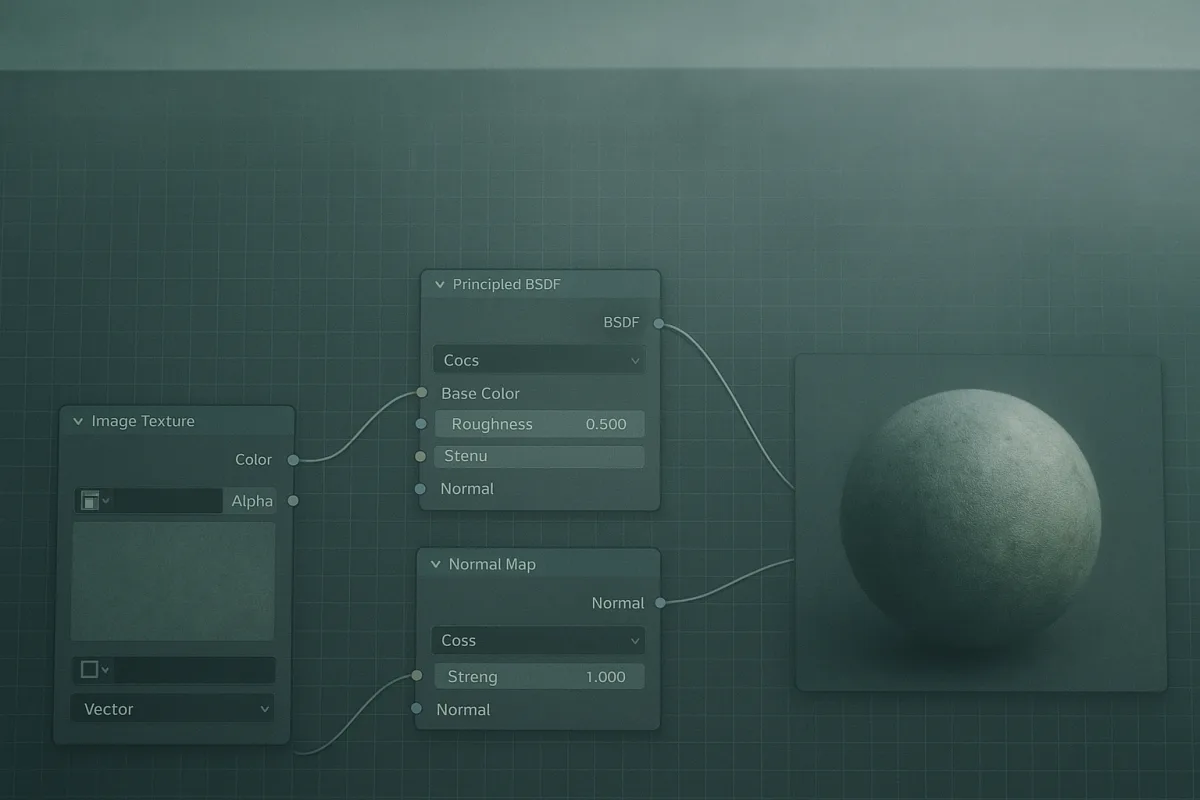
Blender belongs in this decision because many artists already use it for modeling, sculpting, shading, animation, and rendering. Its node-based material editor can produce capable procedural shaders, and Blender’s Geometry Nodes development has made the connection between generated form and surface treatment more useful. [2]
For entry-level work, Blender is hard to dismiss. A single integrated application can create a procedural cobblestone surface, scatter the stones, vary their color, light the scene, and render the result. That removes interchange friction while an artist is learning the underlying craft.
But using Blender because it is available is a habit, not a rule. Its material nodes are excellent for in-scene shading and procedural looks, yet a dedicated material-authoring workflow may be more organized when the deliverable is a large collection of exportable PBR map sets.
StableGen is the entry-level option for Blender users who specifically want local, open-source AI texture generation without a credit limit, according to StackSheriff. [21] It suits exploratory ideation and Blender-native workflows, but it should not be confused with the deterministic, parameter-led control of a Substance Designer graph.
The rest of the field, and where it fits
The choice between Houdini and Substance Designer does not erase the rest of the field. Each of these tools occupies a narrower place, and choosing one for that focused job can be more sensible than forcing a premium general solution.
| Tool | Cost position | What it suits |
|---|---|---|
| Blender | Entry-level | Individuals and studios needing a full 3D suite with procedural material nodes. [2] |
| Material Maker | Entry-level | Artists and developers who want free, open-source node-based procedural texture authoring. [19] |
| xNormal | Entry-level | Artists and developers focused on normal-map generation and texture baking. [10] |
| GIMP | Entry-level | Artists and developers needing a free, open-source raster tool for texture creation and editing. [10] |
| StableGen | Entry-level | Blender users who want local AI-assisted texture generation without credit limits. [21] |
| ArmorPaint | Mid-range | Artists prioritizing GPU-accelerated 3D painting and fast material texturing. [19] |
| Quixel Mixer | Mid-range | Artists and studios seeking accessible high-quality texture work. [10] |
| Knald | Mid-range | Artists and technical directors needing fast PBR-focused texturing workflows. [10] |
| ShaderMap | Mid-range | Artists and technical directors concentrating on efficient baking and PBR map workflows. [10] |
| Houdini 21 | Premium | Artists and technical directors building advanced, attribute-led procedural systems. [10] |
| Substance 3D Designer 2026 | Premium | Material authors who need non-destructive, parameterized procedural materials. [2] |
| 3D AI Studio | Premium | Artists and studios seeking one AI-led environment for retexturing, seamless materials, and full PBR map sets. [20] |
ArmorPaint is not a Houdini substitute. LinuxLinks positions it around GPU-accelerated painting and rapid material texturing, so it suits artists whose priority is applying and adjusting materials on a model rather than constructing deep procedural graphs. [19]
Material Maker is the relevant low-cost counterpoint to Substance Designer. It suits artists who want a flexible node workflow without entering premium software, although we found no published support for claims that it matches Substance Designer feature for feature. [19]
Quixel Mixer, Knald, and ShaderMap are mid-range, task-specific choices. Mixer suits a more approachable high-quality texturing route, while Knald and ShaderMap are better framed around fast PBR processing, normal information, and baking rather than full material-system design. [10]
xNormal remains useful when baking and normal-map generation are the actual requirement. GIMP is a free raster alternative for texture creation and edit work. Neither should be selected expecting the non-destructive procedural graph depth of the two premium options. [10]
3D AI Studio is positioned by its own publisher as an all-in-one route to retexturing models, generating seamless materials, and building PBR sets. [20] That may suit artists who value broad AI-assisted generation, but the available research does not establish a direct efficiency comparison against Houdini or Substance Designer.
Hardware and pipeline expectations
Do not buy software on the assumption that procedural automatically means lightweight. Large graphs, high-resolution maps, packed asset libraries, and iterative previews can all become memory and storage problems before raw processor speed becomes the obvious bottleneck.
The research guidance for current 3D workflows points toward a modern multi-core CPU, ample system memory, fast NVMe storage, and a GPU with substantial VRAM for demanding real-time and high-resolution work. Actual performance still depends on graph complexity, resolution, renderer, and application optimization. [6] [7]
NVIDIA’s neural texture compression work is promising for reducing VRAM pressure, but support is not universal across applications and pipelines. It should be treated as a possible optimization, not a hardware purchasing guarantee. [9]
For interchange, Substance Designer, Houdini, Blender, ZBrush, and Unreal Engine can occupy the same pipeline. The sensible division is usually simple: sculpt unique damage where sculpting is strongest, author repeatable surface logic procedurally, then validate the material under the renderer and lighting where it will ship.
Who each option suits
Choose Adobe Substance 3D Designer 2026 if you are a material artist, environment artist, prop artist, or technical artist building reusable PBR materials. It is the clearer decision when the result must be a controlled set of exportable maps with exposed parameters.
Choose SideFX Houdini 21 if you are a technical director, procedural environment artist, or generalist whose materials need information from generated geometry, simulations, terrain systems, scattering rules, or object attributes. Its broader system is valuable when shading is one output of a procedural build.
Choose Blender if you are learning procedural shading, need a no-cost integrated suite, or mainly need materials that live inside the same scenes you model and render. Move beyond it when material-library production becomes a repeated, specialized responsibility.
Choose the focused alternatives when their scope matches the job. ArmorPaint suits rapid painted texturing, Material Maker suits open-source graph authoring, xNormal and ShaderMap suit map processing and baking, while StableGen and 3D AI Studio suit AI-assisted generation with different levels of cost and pipeline commitment.
Frequently Asked Questions
What is the best software for procedural texture creation in 2026?
Adobe Substance 3D Designer 2026 is generally best for artists focused on creating reusable, exportable PBR material libraries and dedicated material authoring. SideFX Houdini 21 is preferred when procedural textures must respond to generated geometry, scene attributes, or simulation data. Blender is a sensible entry-level alternative but is not a direct replacement for specialized material-authoring tools.
Should I use Houdini or Substance Designer for procedural textures?
Choose Substance Designer if your work centers on building standalone, parameterized PBR materials and texture libraries for use across various assets and pipelines. Opt for Houdini when material variation needs to be driven by scene data, geometry, or procedural asset-building rules, especially in technical or effects-heavy workflows.
How do procedural texture tools differ in workflow and output?
Substance Designer uses texture-first node graphs focused on material construction, producing non-destructive material outputs like height, roughness, and base color maps. Houdini employs attribute-driven networks where geometry and scene data control shading and masks, making it suitable for materials that emerge from procedural systems rather than fixed texture graphs.
Which software is better for reusable PBR material libraries?
Substance 3D Designer 2026 is better suited for creating reusable, exportable PBR material libraries. Its dedicated material graph encourages disciplined separation of texture channels and exposes parameters for variation, making it ideal for stable, parameterized material families.
What are the learning curves for Houdini and Substance Designer?
Houdini has a steeper learning curve because users must understand its broader procedural and attribute-based workflows beyond just texturing. Substance Designer is still technical but narrower in scope, focusing mainly on material graph construction, which can be easier to grasp for artists specializing in texture authoring.
How we researched this
This article was assembled from 25 cited references.
Nothing here is based on hands-on testing. Where a figure or finding appears, it belongs to the source cited beside it, and the writing says so rather than implying otherwise. Every source is listed below so you can check it.
Sources
- Houdini - Descargar para Windows - FileHorse
- 8 best procedural generation software for 2026 - Guideflow Blog
- InstaMAT: Powerful software for the creation of generative 3D materials, assets and | AlternativeTo
- LightWave 3D 2026 review: its interface may look dated, but there are four new features I really love
- Houdini Pricing: Apprentice vs Indie vs Core vs FX
- PC Hardware Requirements for Real-Time 3D Rendering - TechnoRar
- Computer Specs for 3D Modeling | What Actually Matters in 2026
- 8 Best Workstations for 3D Rendering (September 2026) Tested & Ranked
- Benchmarking Nvidia's RTX Neural Texture Compression tech that can reduce VRAM usage by over 80%
- Best Procedural Texture Software: 2026 Comparison
- Procedural Cobblestone Material (Blender Tutorial) - Tutorials, Tips and Tricks - Blender Artists Community
- Best Software Tools for Stunning 3D Character Design in 2026
- Improve your 3D models with Surface Noise in ZBrush
- Unreal Engine 5 | Forest | Procedural Content Generation | Jakub Kosiński
- Best 3D Modelling Software in 2026: How to Choose | Maedcore
- Best Affordable 3D Modeling Software | 2026 Expert Picks
- Pilgway launches 3DCoat 2026: node-based texturing and price increase
- Houdini Pricing: Every Plan Compared (2026) - Softwr
- ArmorPaint
- 3D AI Studio
- StableGen
- Substance 3D Designer 2026 on Steam
- Substance 3D pricing change FAQ | Substance
- 第93回:Houdini中級編(10) ~forを活用したプロシージャルモデリングを学ぶ~ | CGWORLD ONLINE ACADEMY
- ZBrush
Related Articles
Best Software for Realistic Texture Painting on 3D Models
Compare the best software for realistic texture painting on 3D models, including Substance 3D Painter and 3DCoat, with workflow and hardware tips.
Create PBR Materials from Scratch: A Practical Guide
Learn how to create PBR materials from scratch with correct texture maps, workflows, and software tips for realistic 3D rendering.
Best Rendering Engine for Product Visualization in 2026
Compare KeyShot, V-Ray, and Blender Cycles to find the best rendering engine for product visualization workflows in 2026.
Using Nodes for Shading in Blender: A Practical Guide
Learn how to use nodes for shading in Blender with tips on Principled BSDF, texture color spaces, and Cycles vs Eevee differences.