
Blender vs 3ds Max for Architectural Visualization in 2026
Compare Blender vs 3ds Max for architectural visualization to find the best fit for modeling, rendering, CAD/BIM workflows, and studio pipelines.
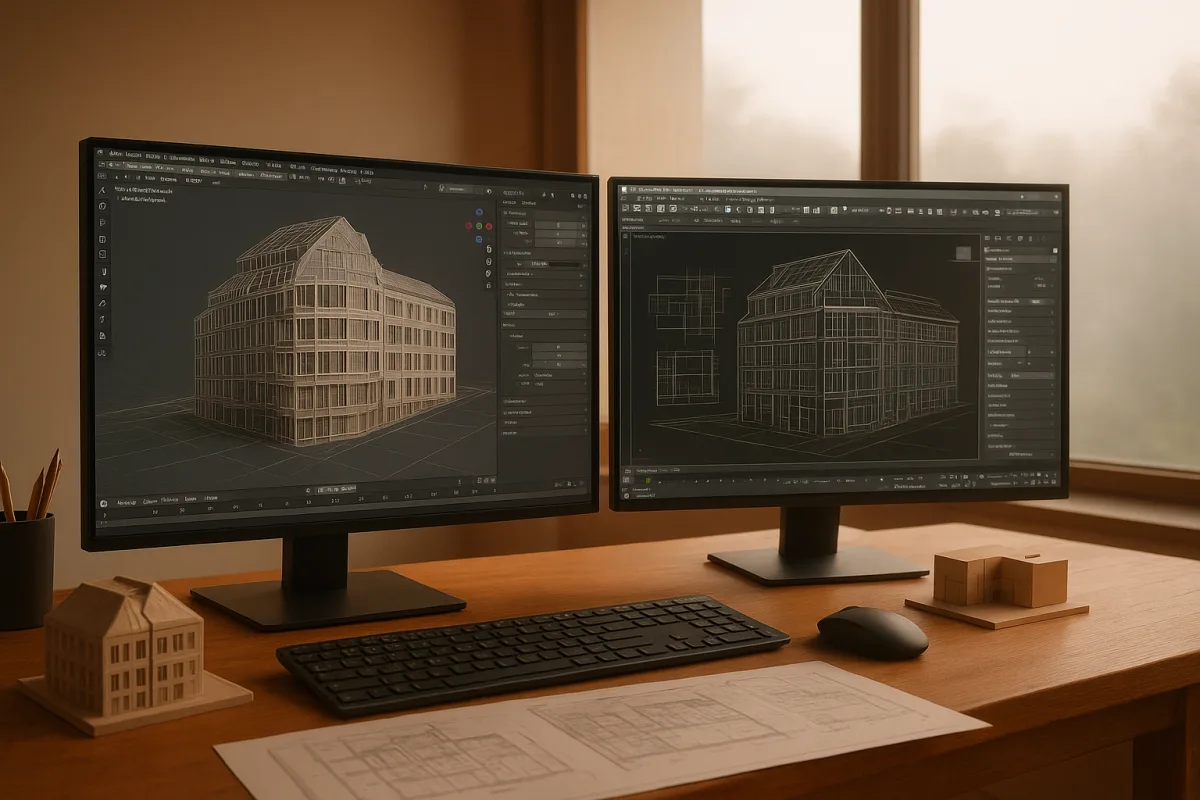
The choice being made
This is not really a choice between amateur and professional software. Blender is a professional-grade modeling, sculpting, shading, lighting, animation, and rendering package, despite the old assumption that its entry-level cost position means reduced capability. [14][17]
Autodesk 3ds Max 2026 is equally far from obsolete. Real-time tools have changed client review expectations, but 3ds Max remains a comprehensive scene-building environment, especially where architectural teams need established plugins and dependable CAD or BIM interchange. [17]
For architectural visualization, the decision is narrower: do you need a flexible, self-contained generalist tool, or a production package built around the Autodesk ecosystem and a long-established archviz plugin market?
I would frame Blender as the better default for an independent artist building a pipeline from scratch. I would frame 3ds Max 2026 as the safer fit for a larger visualization team receiving regular Revit, DWG, and heavily specified architectural files.
Blender vs Autodesk 3ds Max 2026
The table uses the same criteria in the same order because the important thing is not which program has the longest feature list. It is where each removes, or introduces, friction in an architectural job.
| Criterion | Blender, current 2026 release | Autodesk 3ds Max 2026 | Decision |
|---|---|---|---|
| Cost position | Entry-level, with no licensing barrier and a broad built-in toolset | Premium, with recurring subscription cost | Blender for lean budgets and solo work |
| Architectural modeling | Strong polygon, hard-surface, sculpting, and procedural options | Strong polygon modeling with a particularly established modifier-stack workflow | Close, 3ds Max has the more familiar archviz convention |
| CAD and BIM exchange | Handles FBX and OBJ, but DWG and Revit workflows need intermediary files or plugins | Supports DWG, FBX, and Revit-oriented linking workflows | 3ds Max for regular CAD/BIM intake |
| Non-destructive editing | Modifiers and Geometry Nodes can keep work editable | Modifier stack is a core strength for iterative construction | 3ds Max for traditional architecture scene workflows |
| Rendering | Cycles for final-quality rendering, Eevee for fast interactive previews | Commonly paired with V-Ray or Arnold for high-quality output | Close, decide by existing renderer and team knowledge |
| Plugins and scattering | Growing ecosystem, with Geometry Nodes offering procedural control | Mature archviz ecosystem including Forest Pack, RailClone, and MultiScatter | 3ds Max for specialized production tooling |
| Learning and support | Large open community and extensive free learning material | Official Autodesk documentation plus established paid training | Blender for self-teaching, 3ds Max for formal studio training |
| Hardware scaling | Cycles benefits strongly from modern NVIDIA GPUs | V-Ray and Arnold workflows also benefit from modern NVIDIA GPUs | No universal winner |
| Best fit | Freelancers and small studios building a versatile pipeline | Larger studios and professionals with CAD/BIM-heavy workflows | Pipeline decides more than image quality |
Cost and ownership
Blender occupies the entry-level end of this field because it removes the license fee from the decision. That does not make the total pipeline cost zero, since training time, workstation hardware, render capacity, asset libraries, and paid add-ons can still matter. [5]
Autodesk 3ds Max sits in the premium tier because access depends on a subscription. That makes it harder to justify for someone learning archviz alone, but the subscription includes updates and support, which may suit managed studio environments. [5][6]
The useful question is not whether free software can make professional images. Blender can. The question is whether the money saved on licensing will be spent instead on solving file conversion, building missing tooling, or training artists in a less familiar production pipeline.
That calculation changes with team size. A one-person studio can often accept a manual import step if it avoids recurring software cost. A visualization department processing repeated Revit revisions may value fewer handoffs more than a lower entry cost.
Modeling architecture, not just objects
Both applications can model the geometry architectural visualization actually needs: rooms, façades, millwork, furniture, landscape elements, hero props, and close-up material details. Blender supports low-poly, hard-surface, and organic work alongside capable sculpting tools. [2]
Blender is particularly sensible when one artist must move between disciplines. The same application can block a building, model furniture, unwrap it, texture it, light it, render it, and make a short camera animation without requiring a second modeling package.
3ds Max remains especially comfortable for iterative architectural construction because its modifier stack is central to the workflow. Non-destructive operations matter when a client changes a floor height, window module, coping profile, or cladding pattern after approval. [2]
That does not mean modifiers are exclusive to 3ds Max. Blender has modifiers too, and Geometry Nodes can build very capable parametric systems. The distinction is cultural as much as technical: the 3ds Max stack is deeply embedded in established archviz training and production habits.
Geometry Nodes are powerful for repeatable façades, scattering, and rule-based placement, but they introduce their own learning curve. Calling nodes automatically better than modifiers is a habit of thought, not a rule about which produces better architecture. [1]
CAD, BIM, and revision pressure
This is the clearest practical advantage for Autodesk 3ds Max 2026. It supports native DWG import, FBX, and Revit-oriented live-linking workflows, reducing the number of translation stages between architectural documentation and visualization. [1]
Every translation step can create cleanup work. Incorrect scale, missing material assignments, broken instances, excessive tessellation, flipped normals, and changed layer naming are not glamorous problems, but they consume production time when models arrive repeatedly from another department.
Blender can import FBX and OBJ, which may be completely sufficient for a deliberate export pipeline. It lacks the same native DWG and Revit support, however, so users commonly depend on intermediary formats or plugins for architectural source files. [1]
The available evidence does not quantify how much slower that makes a large project. It would be wrong to invent a percentage. Still, fewer format conversions are plainly easier to manage when a studio receives frequent live revisions from Revit-based teams.
If the project begins as your own modeled scene, Blender's import limitation may barely register. If your work begins with a consultant-issued DWG or a continually revised BIM model, 3ds Max has the more direct route into look development.
Rendering and look development
Blender gives you two useful rendering modes in one package. Cycles is the final renderer for physically based, photorealistic work, while Eevee provides fast real-time feedback for cameras, material balance, lighting direction, and early client review. [3]
Fast preview is not just a convenience. Archviz lighting usually improves through iteration: adjust the sun angle, judge window exposure, control indirect light, separate material values, then repeat. A responsive preview helps the artist judge those relationships before committing to final samples.
3ds Max is commonly paired with V-Ray or Arnold, renderers with strong professional standing for high-quality architectural output. [3] That ecosystem is a genuine advantage when a studio already has materials, lighting rigs, render settings, and staff knowledge built around it.
Do not confuse renderer familiarity with an inherent quality ceiling. Good images come from believable scale, physically plausible material response, controlled contrast, camera composition, and enough sampling to clear noise. Blender and 3ds Max can both fail those fundamentals beautifully.
There is no identical-scene benchmark in the research brief that proves one package always renders architecture faster. Engine settings, denoising, texture resolution, displacement, vegetation density, and whether CPU or GPU rendering is used all complicate the comparison.
On hardware, Blender Cycles reportedly renders the BMW27 benchmark in about one minute and 52 seconds on an RTX 4090, while an RTX 5090 with 32GB of VRAM is reported as the fastest current Blender GPU option. [8]
3ds Max pipelines using V-Ray or Arnold also benefit from high-end RTX cards. TechRadar reports the RTX 5090 outperforming the RTX 4090 by around 20 percent in some content-creation cases, though that is not an apples-to-apples archviz scene test. [12]
A Ryzen 9 7950X3D and at least 32GB of DDR5 RAM are cited as a recommended baseline in a 2026 Blender hardware guide. [9] Large interiors, dense vegetation, high-resolution textures, and heavy proxies may justify more memory regardless of application.
Plugins, assets, and production scale
Blender's ecosystem is active and increasingly broad. Its community includes Blender Foundation resources, Blender Artists Forum discussions, and tutorials from creators such as Blender Guru, which makes it unusually approachable for self-directed learners. [14]
Community support is not identical to vendor support, but dismissing it as inadequate is outdated. The practical strength is breadth: a freelancer can usually find documentation, troubleshooting threads, and examples for common modeling, shading, scripting, and rendering problems.
3ds Max has a more mature specialist plugin ecosystem for architectural scenes. Forest Pack, RailClone, and MultiScatter are widely associated with vegetation, parametric repetition, and large-scale scattering workflows in professional visualization. [1]
That advantage should not be exaggerated into a claim that Blender cannot create planted sites or repetitive systems. It can, particularly through Geometry Nodes. The uncertain part is whether Blender's ecosystem fully replaces every specialized 3ds Max workflow in complex production environments. [1]
For a still image of a house, Blender may be all the toolchain you need. For a commercial development with extensive planting, repeated façade systems, many revisions, and shared scene conventions, the 3ds Max plugin market has a stronger established case.
Where the rest of the field sits
SketchUp is entry-level and suits designers and architects who need intuitive, rapid conceptual modeling and visualization. It is not the direct replacement for either Blender or 3ds Max when the brief demands deep asset creation and final look development. [17]
Lumion is mid-range and suits architects needing fast real-time presentation output for client meetings. Twinmotion is also mid-range, aimed at quick real-time visualization and short project turnarounds. Both sit closer to presentation speed than full generalist scene construction. [3]
Rhino 3D is mid-range and suits precision modeling of complex architectural forms. It belongs upstream of rendering in many workflows, particularly when the design problem is accurate geometry rather than material-rich scene assembly. [3]
Cinema 4D is mid-range and suits motion designers or visual-effects artists wanting an accessible balance of power and usability. Modo is likewise mid-range, positioned for artists seeking a more cost-conscious modeling and rendering solution. [17]
ZBrush is premium and suits digital sculpting, particularly character creation, rather than being a primary archviz package. Houdini is premium and suits visual-effects artists needing procedural workflows and complex simulations, such as effects-driven environmental work. [17]
Adobe Substance 3D Modeler is premium and suits artists focused on VR and signed-distance-field modeling for immersive work. It is a specialist companion for certain forms of asset creation, not a substitute for a complete architectural scene pipeline. [17]
Those tools matter because the best archviz pipeline is often mixed. Rhino can solve a difficult form, Blender can handle broad scene work, 3ds Max can service a Revit-heavy studio, and a real-time package can handle presentation review.
Who each option suits
Choose Blender if you are a freelancer, student, independent architectural designer, or small studio building an affordable and versatile visualization pipeline. It suits artists who want to model, shade, light, render, and animate in one application, and who can manage intermediary CAD exports when necessary.
It also suits teams that value self-directed learning and do not depend on specific 3ds Max plugins. Blender is not a lesser professional choice, but it asks you to design more of your own pipeline around incoming architectural files. [14][17]
Choose Autodesk 3ds Max 2026 if you work in a larger studio, receive regular DWG or Revit revisions, rely on established V-Ray or Arnold pipelines, or need mature tools such as Forest Pack, RailClone, and MultiScatter. [1][3]
It is the stronger operational choice when interoperability and scene-standardization matter more than minimizing software cost. Its weakness is not image quality or project size, but the premium subscription commitment and a less accessible starting point for an individual learning alone.
Frequently Asked Questions
Which is better for architectural visualization: Blender or 3ds Max?
Neither Blender nor 3ds Max is inherently better at producing photorealistic architectural visuals. The choice depends on your pipeline needs: Blender suits freelancers and small studios prioritizing cost and versatility, while 3ds Max fits larger teams needing robust CAD/BIM integration and mature archviz plugins. Both deliver high-quality results, so workflow and ecosystem fit are key factors.
How does Blender compare to 3ds Max for CAD and BIM integration?
Blender can handle FBX and OBJ formats but requires intermediary steps or plugins for DWG and Revit files. In contrast, 3ds Max offers native support for DWG, FBX, and Revit-oriented workflows, making it more suitable for studios regularly working with CAD and BIM data. This makes 3ds Max a safer choice for teams receiving frequent architectural file revisions.
What are the cost differences between Blender and 3ds Max for archviz?
Blender is free and open-source, eliminating licensing fees and lowering entry costs, though additional expenses may arise from training, hardware, and add-ons. 3ds Max requires a subscription costing $255 per month or $2,010 per year, making it a premium option with included updates and support. The total cost of ownership depends on team size and workflow requirements.
Can Blender handle architectural modeling and rendering as well as 3ds Max?
Yes, Blender supports strong polygonal, hard-surface, sculpting, and procedural modeling alongside capable rendering engines like Cycles and Eevee. While 3ds Max offers a well-established modifier stack workflow favored for iterative architectural modeling, Blender provides a versatile, all-in-one environment suitable for modeling, texturing, lighting, and rendering within a single application.
What are the best workflows for architectural visualization in Blender vs 3ds Max?
Blender workflows emphasize flexibility and self-contained pipelines, ideal for independent artists managing multiple disciplines within one tool. 3ds Max workflows focus on integration with Autodesk products, non-destructive editing via the modifier stack, and leveraging specialized archviz plugins like Forest Pack and RailClone, which benefit larger studios handling complex architectural projects.
How we researched this
This article was assembled from 18 cited references.
Nothing here is based on hands-on testing. Where a figure or finding appears, it belongs to the source cited beside it, and the writing says so rather than implying otherwise. Every source is listed below so you can check it.
Sources
- 3ds Max vs Blender: cuál usar para renders de arquitectura en 2026 - Anima Audiovisual
- Blender ou 3ds Max lequel choisir pour vos projets 3D - TOTAL immersion
- 3ds Max Alternatives for Architects: 7 Tools Worth Switching To | illustrarch
- 3ds Max vs Blender - 2026 Comparison - Software Advice
- Blender vs 3ds Max: Is Free Good Enough Now? - Softwares Academy
- Autodesk 3DS Max Pricing & Reviews 2026 - GeekChamp
- Autodesk 3ds Max Pricing 2026
- RTX 4090 Render Benchmark 2026: Blender, V-Ray, Redshift & Octane Results | Blender Render farm
- Blender Benchmark 2026 — RTX 5090, RTX 4090 oder RTX 4070 Ti SUPER?
- Blender Rendering Time Comparison: Engines Explained
- Best Render Engine for Photorealistic Renders? V-Ray vs Blender vs Unreal
- Which GPU is best for content creation? Well, Nvidia seems to have all the answers to that question, but Intel is the dark horse
- V-Ray Rendering Guide — Features, GPU vs CPU & Comparisons
- Blender Review 2026: Free 3D Software That Replaces Maya and Cinema 4D
- Blender 3D vs 3ds Max | Which 3D Design Software Wins In 2026?
- Blender vs 3ds Max vs SketchUp for Architecture
- The best 3D modelling software in 2026
- AutoCAD 2026 Help | About Importing and Exporting FBX Files | Autodesk
Related Articles
Octane vs V-Ray Architectural Rendering: Which to Choose?
Compare Octane and V-Ray for architectural rendering to find the best fit for your hardware, workflow, and project needs.
Maya vs 3ds Max for Architectural Modeling: Which to Choose?
Compare Maya vs 3ds Max for architectural modeling and visualization to find the best fit for your workflow and project needs in 2026.
Best Rendering Engine for Product Visualization in 2026
Compare KeyShot, V-Ray, and Blender Cycles to find the best rendering engine for product visualization workflows in 2026.
Blender Architectural Visualization Workflow
Learn the Blender architectural visualization workflow: import CAD, model accurately, set scale, and create realistic materials and lighting for renders.