
Octane vs V-Ray Architectural Rendering: Which to Choose?
Compare Octane and V-Ray for architectural rendering to find the best fit for your hardware, workflow, and project needs.
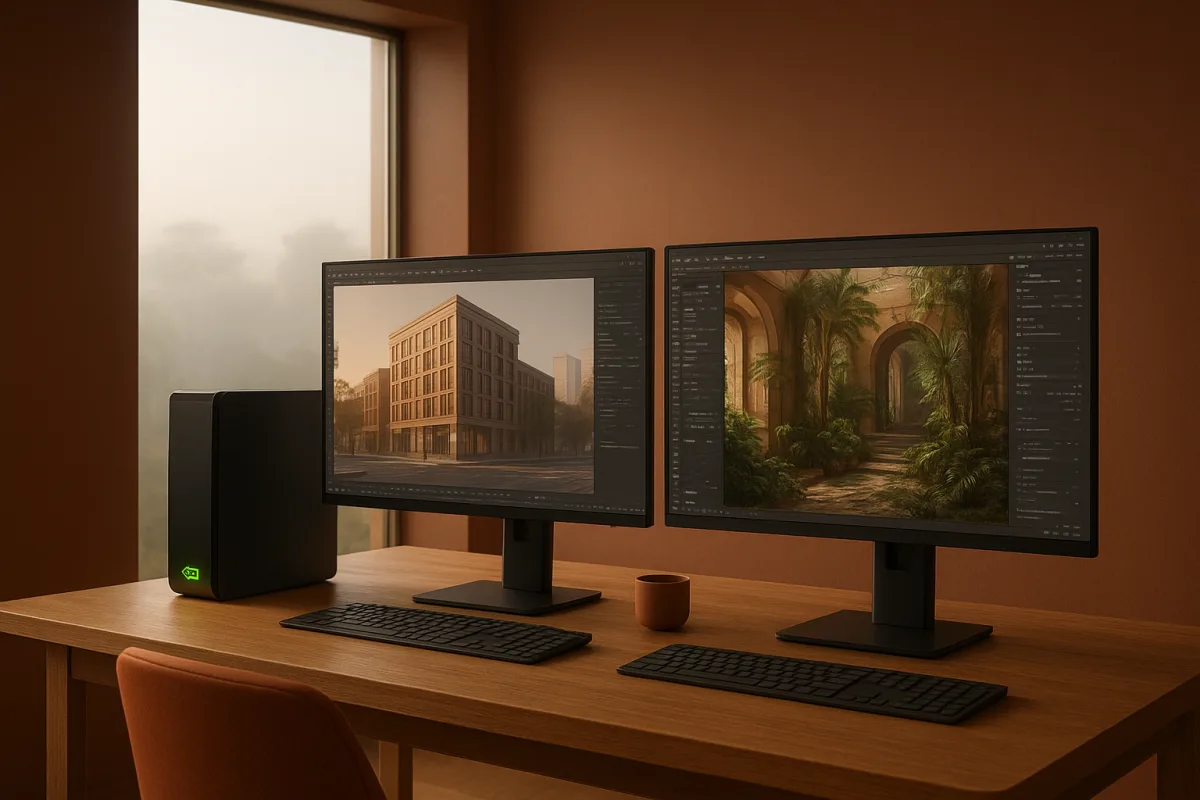
The actual decision: fast GPU iteration or flexible production capacity?
Architectural visualization asks a renderer to do two jobs that sometimes pull against each other. It must give you immediate feedback while you shape daylight, camera exposure, glazing, and materials. It must also survive the final scene, after vegetation, furniture, scatter systems, displacement, and client revisions arrive.
Octane Render by Otoy and V-Ray by Chaos are both premium renderers, but they solve that problem differently. Octane is a GPU-first renderer built around NVIDIA CUDA and RTX hardware. V-Ray can render on CPU or GPU, which makes its production model broader even when its GPU mode is the preferred route.
That distinction is more important than a list of features. A renderer is not merely the last button you press after modeling in Blender, 3ds Max, Rhino, SketchUp, Houdini, or another DCC. It determines how you organize assets, how often you can revise a lighting setup, and which machines can participate in a deadline.
For the Blender-focused reader, the comparison should start with a blunt question: can your workstation, or every workstation in your team, support an NVIDIA GPU workflow with enough VRAM for your heaviest scene? If the answer is confidently yes, Octane becomes compelling. If not, V-Ray is usually the safer choice.
Octane and V-Ray against the same criteria
The table below makes the decision directly. It does not claim a universal winner, because we found no controlled benchmark of identical architectural scenes, and no evidence that one renderer always produces a more convincing final image.
| Criterion | Octane Render by Otoy | V-Ray by Chaos | Better fit |
|---|---|---|---|
| Rendering architecture | Strictly GPU-based, dependent on NVIDIA CUDA or RTX hardware. | Supports CPU and GPU rendering, with more hardware paths available. | V-Ray for mixed or uncertain hardware. |
| Interactive speed | Strong real-time feedback on powerful NVIDIA RTX GPUs. | GPU rendering can be fast, while CPU remains available for capacity and compatibility. | Octane for a strong NVIDIA-only workstation. |
| Large scenes | VRAM can become the limiting resource in dense scenes. | CPU rendering can use system RAM, helping with heavy geometry and assets. | V-Ray for large interiors, landscapes, and asset-heavy work. |
| Multi-GPU scaling | Reported to scale very efficiently across multiple GPUs. [[9]](https://irendering.net/compare-multi-gpu-scaling-in-octane-vray-redshift/ "Compare Multi-GPU Scaling in Octane, Vray & Redshift | iRender") | Supports GPU workflows, but Octane’s multi-GPU reputation is a particular strength. |
| Lighting approach | Spectral, unbiased rendering emphasizes physically credible light transport. | Brute Force and Light Cache workflows are established tools for complex architectural GI. [2] | Close, with V-Ray often better suited to controlled production workflows. |
| Materials and assets | Node-based workflow can feel leaner for individual artists. | Deep material, proxy, and asset ecosystem built through architectural use. [1][[10]](https://illustrarch.com/articles/architectural-rendering/74020-vray-photorealistic-renders.html "V-Ray Photorealistic Renders: Using Chaos Assets Library and PBR Materials | illustrarch") |
| Learning curve | Often quicker to approach for artists comfortable with node graphs. | More controls and a steeper learning curve, despite recent interface improvements. | Octane for focused individual work. |
| Host application range | Works well in major architectural DCCs, with NVIDIA hardware as the common constraint. | Broader host support, including Blender, 3ds Max, Maya, Rhino, SketchUp, Houdini, and Unreal. | V-Ray for multi-application studios. |
| Blender workflow | Blender support exists through add-ons and connected tools, but the documented ecosystem is less extensive. [[13]](https://www.lightmap.co.uk/blog/blendervray/ "V-Ray Support Comes to Blender | HDR Light Studio Add-on") | V-Ray 7.4 for Blender adds newer workflow features, building on Geometry Nodes rendering and material conversion. [[5]](https://www.cgchannel.com/2026/07/chaos-releases-v-ray-7-4-for-blender/ "Chaos releases V-Ray 7.4 for Blender |
| Cost position | Premium, although current 2026 Octane pricing requires vendor confirmation. | Premium, with documented subscription tiers, though exact prices are intentionally not published here. | No responsible winner without verified like-for-like licensing. |
Hardware is the first fork in the road
Octane’s strength is also its boundary. It is built for NVIDIA GPU rendering, so a workstation without a suitable NVIDIA CUDA or RTX GPU is not merely slower, it is outside the renderer’s intended hardware path. That can be decisive in studios with AMD GPUs, CPU-heavy render nodes, or varied freelancer machines.
With adequate RTX hardware and generous VRAM, Octane’s interactive responsiveness is the attraction. Architectural artists can move a sun angle, roughen a painted wall, adjust curtain translucency, or test a warmer white balance without treating each change as an expensive commitment. That is valuable during the uncertain middle of a project.
But fast previews are not the same thing as unlimited scene capacity. A clean exterior model can be light, then become heavy after trees, grass, high-resolution displacement, furniture packs, layered glazing, and dense proxy scatter enter the scene. GPU memory is a hard production limit, not an abstract technical footnote.
V-Ray gives a studio more ways around that problem. GPU rendering remains available, but V-Ray can also render on CPU, using system RAM rather than requiring every scene asset to reside in GPU VRAM. V-Ray’s hardware requirements and GPU documentation make clear that hardware choice still matters, but the available routes are wider. [4][14]
That flexibility matters when the project is already underway. A team may have artists in Blender, 3ds Max, or SketchUp, with a mix of desktop hardware and remote resources. V-Ray is less likely to force every member into one GPU vendor and one memory budget.
Lighting and look development: do not confuse control with realism
Both engines can produce credible architectural work. There is no supplied controlled study showing that an identical interior, built and lit to the same standard, looks definitively better in Octane or V-Ray. Claims of an automatic realism winner should therefore be treated as preference, not established evidence.
Octane’s spectral, unbiased approach appeals to artists who want light behavior to emerge naturally from physically based materials and lighting. That can make look development feel direct. You establish the window size, sky condition, light sources, material roughness, and camera response, then refine the image rather than fight a stack of cheats.
V-Ray’s strength is not that it abandons physical behavior. It is that it offers a deeper production toolkit around global illumination, materials, proxies, and scene management. Its Brute Force plus Light Cache approach remains particularly relevant to architectural interiors, where bounced daylight, small apertures, and mixed artificial lighting need deliberate handling. [2]
The practical craft point is that neither engine repairs weak inputs. If plaster bump is oversized, wood grain ignores board direction, glass is made too dark, or furniture scale is inconsistent, switching renderers will not make the image architectural. Correct scene scale and believable PBR values matter before sampling settings do.
This is also where asset discipline becomes part of renderer choice. V-Ray’s mature proxy and material ecosystem is useful when a firm maintains a deep archive of sofas, trees, lighting fixtures, facade systems, and scanned finishes. Archfine characterizes V-Ray as having a mature material and proxy ecosystem built over decades of architectural use. [1]
Octane can absolutely render an excellent asset library, but V-Ray more clearly suits the institutional version of the job. If a team needs repeatable materials across dozens of developments, standardized proxy workflows, and handoff between artists, granular control becomes less a burden and more a way to preserve consistency.
Blender, geometry, and cross-tool workflows
For Blender artists, V-Ray’s recent development deserves real weight. V-Ray 7.1 for Blender introduced direct Geometry Nodes rendering and material conversion tools, while V-Ray 7.4 continued the integration work with features including Quick Sun Caustics and AI-related tools. [5][6]
Geometry Nodes support is not a minor checkbox for archviz. It affects whether procedural planting, facade repetition, debris, furniture variations, and site dressing remain live until late in the job. A renderer that sees those systems directly can remove fragile conversion steps from an already complicated pipeline.
V-Ray also has a free Community Edition for Blender, which gives Blender users a lower-risk way to assess the workflow before committing to a premium production path. [7] That does not prove it is faster than Octane in every scene, but it does make evaluation more accessible.
Octane remains attractive in Blender where the scene is designed around the renderer’s NVIDIA GPU requirements from day one. HDR Light Studio has documented support connected to V-Ray for Blender workflows, and Octane’s Blender path similarly relies on integration tooling rather than existing as an isolated final-render decision. [13]
The same principle extends beyond Blender. A sculpt may start in ZBrush or Nomad Sculpt, a hard-surface detail may be built in Plasticity, materials may be authored in Substance, and scattering may come from Houdini. At final render, V-Ray better suits teams that need broad host coverage, while Octane suits a tightly controlled GPU pipeline.
Marmoset is often useful earlier in an asset workflow for rapid presentation and baking-related work, but neither Octane nor V-Ray should be chosen because they imitate every tool upstream. The final renderer should be selected for the scale, lighting demands, and delivery requirements of the architectural image.
What the wider field changes, and what it does not
V-Ray and Octane occupy the premium, production-renderer end of the field. The decision is not that every architectural visualizer must choose one of them. It is that, once a project needs their depth, you should choose between them based on hardware and scene scale rather than vague claims of realism.
Corona Renderer by Chaos sits in the mid-range field and suits architects seeking high-quality output with a simpler learning path. Illustrarch identifies its combination of simplicity and image quality as its main appeal. [10] It is the alternative for artists who value a straightforward architectural workflow more than V-Ray’s wider technical range.
Redshift by Maxon is another premium option, aimed at studios requiring high performance and scalability. It is GPU-accelerated and known for speed and efficiency in complex scenes. [10] Its place in the field reinforces the core lesson here: a GPU renderer is only as practical as the GPU fleet and memory available to support it.
Blender Cycles is the entry-level option, suited to individuals and small studios that need a free, open-source renderer with a balance of image quality and performance. [10] It is not a lesser craft choice. For many Blender projects, avoiding additional licensing and pipeline overhead is a more rational decision than chasing another engine.
Enscape is a mid-range, real-time tool for architects who need fast client presentations. [11] Lumion is also mid-range, aimed at quick visualization through a user-friendly interface and a large object library. These are presentation-first choices, useful when decisions happen live rather than through a polished overnight still.
D5 Render is a mid-range real-time option positioned for architectural visualization that needs quick output with high-quality ambition. Twinmotion is another mid-range real-time tool, particularly associated with urban planning workflows. Neither replaces V-Ray or Octane for every final still, but both may be better for review-stage communication. [11]
Volexi and ArchFine sit at the entry-level end as AI-powered image-generation tools for rapid concept iterations. Volexi describes that role as photorealistic images generated in seconds, while ArchFine positions itself similarly for quick architectural ideation. [1][11] They suit early visual direction, not necessarily controlled final-pixel asset production.
Where each renderer falls down
Octane falls down when hardware variety is unavoidable. An office cannot easily standardize on it if some contributors lack NVIDIA GPUs, if scenes routinely exceed practical VRAM budgets, or if CPU render capacity is an essential fallback. Its speed advantage is conditional, not automatic.
It also becomes less attractive when a scene is assembled from years of shared proxies, materials, legacy assets, and application-specific production conventions. An individual artist may prefer the leaner node workflow, but a large visualization team often needs the slower-to-learn system that exposes more controls and predictable standards.
V-Ray falls down when the brief is simple and the artist already owns a powerful NVIDIA workstation dedicated to GPU work. Its breadth can be unnecessary overhead. More settings and deeper systems do not make a small exterior study better if the real need is immediate lighting and material feedback.
It can also slow onboarding. V-Ray’s flexibility is valuable because it gives artists choices, but choices require technical literacy. A junior artist needs to understand when the problem is sampling, GI, texture resolution, displacement, asset scale, or a poor lighting setup, rather than turning controls at random.
Who each option suits
Choose Octane Render by Otoy if you are an individual visualizer or a small, speed-driven team with strong NVIDIA RTX hardware and sufficient VRAM. It suits repeated camera and lighting iteration, artists who prefer a focused node-based workflow, and pipelines where every machine can be planned around the same GPU requirement.
Choose V-Ray by Chaos if you are part of a larger studio, work across mixed hardware, inherit large asset libraries, or regularly deliver scenes with extensive vegetation, proxies, displacement, and layered interiors. It also suits Blender-centered teams that value V-Ray 7.4 for Blender’s evolving integration, Geometry Nodes support, and Community Edition route. [5][6][7]
The honest answer is that they are close where it counts visually. A well-built scene can look excellent in either renderer. Octane is the sharper choice for a controlled NVIDIA GPU environment, while V-Ray is the safer choice for architectural production that must accommodate bigger scenes, more applications, and more kinds of machines.
Frequently Asked Questions
Which is better for architectural rendering: Octane or V-Ray?
Neither renderer has a proven universal image-quality advantage for architectural work. Octane is better suited for fast GPU-based look development on powerful NVIDIA RTX workstations, while V-Ray offers broader hardware support and is better for large, complex scenes with mixed assets. The choice depends on project needs and hardware availability rather than inherent quality differences.
How does Octane Render compare to V-Ray for large architectural scenes?
Octane is limited by GPU VRAM, which can constrain very large or asset-heavy scenes. V-Ray’s ability to render on CPU allows it to use system RAM, making it more scalable for large interiors, heavy vegetation, and proxy assets. Therefore, V-Ray is generally better suited for large architectural scenes.
What are the hardware requirements for Octane vs V-Ray in architecture?
Octane requires NVIDIA CUDA or RTX GPUs and is strictly GPU-based, relying on high-end NVIDIA hardware with sufficient VRAM. V-Ray supports both CPU and GPU rendering, enabling use on a wider range of hardware, including systems without dedicated GPUs. This makes V-Ray more flexible for mixed or less powerful hardware setups.
Can V-Ray handle mixed hardware better than Octane for architecture?
Yes. V-Ray’s support for both CPU and GPU rendering allows it to operate efficiently across mixed hardware environments. Octane’s strict dependence on NVIDIA GPUs limits its compatibility in mixed or heterogeneous workstation setups.
Is Octane faster than V-Ray for look development in architectural visualization?
Octane provides strong real-time feedback and faster interactive GPU rendering on powerful NVIDIA RTX GPUs, making it well suited for rapid look development. V-Ray’s GPU mode can also be fast, but Octane’s focused NVIDIA GPU pipeline generally offers quicker iteration on well-equipped hardware.
How we researched this
This article was assembled from 14 cited references.
Nothing here is based on hands-on testing. Where a figure or finding appears, it belongs to the source cited beside it, and the writing says so rather than implying otherwise. Every source is listed below so you can check it.
Sources
- Octane Render for Architecture: GPU Guide - Archfine
- V-Ray Rendering Guide, Features, GPU vs CPU & Comparisons
- V-Ray vs. Octane Render: Which Engine is Right for You in 2026? | Rendair AI
- V-Ray 7 System Requirements: CPU, GPU & VRAM
- Chaos releases V-Ray 7.4 for Blender | CG Channel
- Chaos Launches V-Ray 7.1 for Blender with Geometry Nodes Rendering and Material Conversion
- Free V-Ray for Blender Community Edition | Chaos | Chaos
- Slow GPU Rendering? Cycles vs Octane vs V‑Ray Performance
- Compare Multi-GPU Scaling in Octane, Vray & Redshift | iRender
- V-Ray Photorealistic Renders: Using Chaos Assets Library and PBR Materials | illustrarch
- Enscape
- System Requirements | V-Ray for 3ds Max | Professional CAD Systems
- V-Ray Support Comes to Blender | HDR Light Studio Add-on
- Introduction to GPU Rendering, Chaos Help Center
Related Articles
Blender vs 3ds Max for Architectural Visualization in 2026
Compare Blender vs 3ds Max for architectural visualization to find the best fit for modeling, rendering, CAD/BIM workflows, and studio pipelines.
Arnold vs V-Ray for Architectural Rendering: Key Differences
Compare Arnold vs V-Ray for architectural rendering to find the best fit for your workflow, speed, quality, and software integration needs.
Blender Product Visualization Workflow for Realistic Renders
Learn a practical Blender product visualization workflow with lighting, rendering, and camera tips for photorealistic product renders.
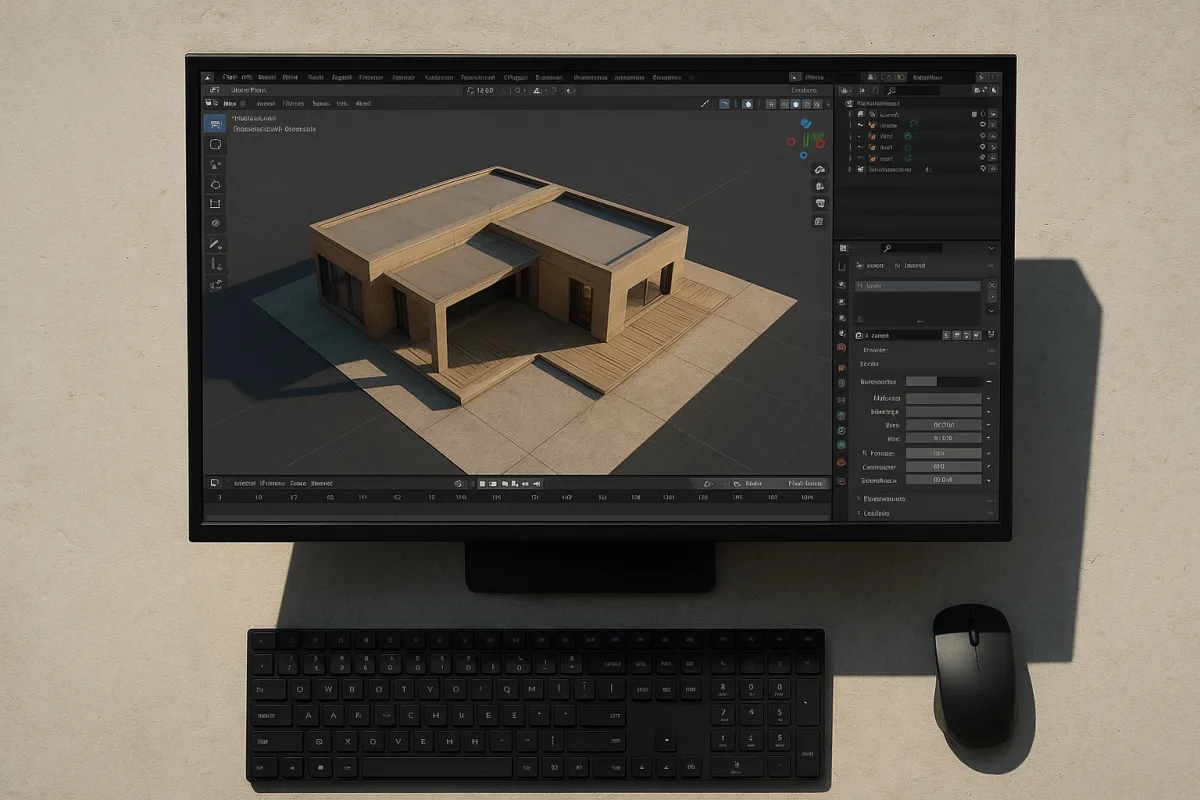
Blender Architectural Visualization Workflow
Learn the Blender architectural visualization workflow: import CAD, model accurately, set scale, and create realistic materials and lighting for renders.