
Blender vs Maya for 3D Modeling: A Detailed Comparison
Explore Blender vs Maya for 3D modeling, comparing cost, capabilities, usability, and community support to help you choose the right software.
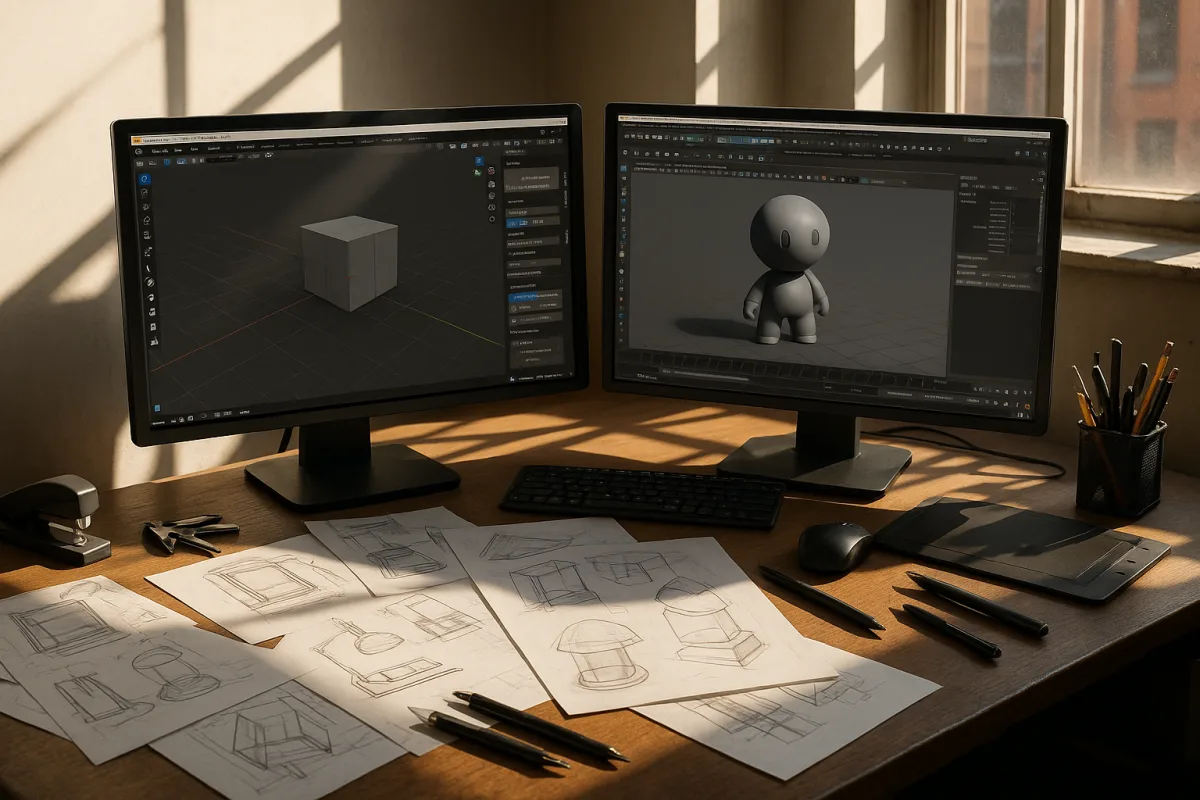
Blender vs. Autodesk Maya for 3D Modeling: A Direct Comparison
Choosing the right software for 3D modeling can significantly impact your workflow, creativity, and even your career trajectory. As a 3D generalist who models for a living and teaches others, I often find users torn between two prominent options: Blender and Autodesk Maya. Both have their strengths and weaknesses, and the decision often boils down to specific criteria that align with your individual needs. In this comparison, we'll evaluate these two software packages based on key factors: cost, modeling capabilities, usability, community support, and project suitability.
Cost
Blender 3D is completely free and open-source. This fact alone makes it an attractive option for freelancers, independent game developers, and hobbyists who want to dive into 3D modeling without financial constraints. The no-cost barrier allows users to explore a robust range of features without any upfront investment.
In contrast, Autodesk Maya operates on a subscription model, costing approximately $1,875 annually or $235 per month. This pricing can be a significant barrier, particularly for individual users or small studios. While Maya is often considered the industry standard, its cost can deter those who are just starting or working on smaller projects.
Verdict: If budget is a primary concern, Blender offers an unbeatable advantage. Maya may suit larger studios or professionals who need its advanced features but comes with a hefty price tag.
Modeling Capabilities
When it comes to modeling capabilities, both software packages bring unique strengths to the table.
Blender offers robust modeling features, suitable for a wide range of tasks. Its mesh modeling tools are versatile, and the dedicated sculpting mode allows for detailed organic modeling. However, Blender's precision and control, especially in NURBS (Non-Uniform Rational B-Splines) modeling, may not match what Maya offers. NURBS modeling is crucial for high-end production environments, particularly in industries like automotive design or product visualization.
Maya, on the other hand, excels in precise modeling, particularly with its advanced NURBS tools. This makes it a strong choice for professionals who require exacting detail and finesse in their projects. However, it is important to note that Maya's sculpting features are not as developed as Blender's, which could lead to misconceptions about its capabilities in this area.
Verdict: For precise, high-end modeling, Maya has the edge, particularly for users in specialized fields. Blender is more than capable for general 3D modeling and sculpting but may fall short in environments that require advanced NURBS capabilities.
Usability and Learning Curve
Blender's user interface is designed with accessibility in mind. New users often find it approachable, which can facilitate a smoother learning process. However, while the basics may be easy to grasp, the complexity of advanced features can still pose challenges. For beginners, Blender’s extensive range of tools can be overwhelming at first glance, and mastering them requires time and practice.
Maya, conversely, has a steeper learning curve. While it is highly customizable and powerful, its interface can feel daunting to newcomers. Many professionals find that once they overcome the initial learning barrier, Maya’s advanced features become easier to navigate, thanks to its logical organization.
Verdict: Blender may be more beginner-friendly, but Maya rewards those who invest the time to learn its intricate systems. Ultimately, the choice here depends on your willingness to commit to learning a more complex tool.
Community Support and Resources
Both Blender and Maya have strong community support, though they manifest differently.
Blender's open-source nature has fostered a vibrant community that shares a wealth of tutorials, forums, and resources, making it an excellent choice for learners. The abundance of free resources can significantly reduce the time it takes to get up to speed, allowing users to troubleshoot and refine their skills with ease.
Maya, being an industry standard, also has extensive support but tends to be more formalized. Users often rely on Autodesk's official documentation, paid courses, and professional training programs. While there are community forums available, the variety of freely accessible resources is not as extensive as Blender’s.
Verdict: If peer support and plentiful learning resources are important to you, Blender's community offers a significant advantage. Maya’s support is robust but can be more structured and less varied.
Suitability for Projects
Understanding what types of projects each software is best suited for can guide your decision as well.
Blender is versatile enough to be used for game design, animation, and even architectural visualization. Its open-source nature allows for experimentation, making it ideal for indie developers and hobbyists who want to explore different aspects of 3D modeling.
In contrast, Maya is often favored by large studios and professionals, particularly in animation, rigging, and rendering. Its advanced capabilities make it suitable for high-end visual effects and animation projects, which require a level of detail and precision that may be challenging to achieve in Blender.
Verdict: If you are an independent creator or working on smaller-scale projects, Blender’s versatility makes it an excellent choice. For professionals aiming for high-end animation and VFX work, Maya is often the preferred option.
Conclusion
In summary, the choice between Blender and Autodesk Maya ultimately depends on your specific needs as a 3D artist. Blender stands out for its zero cost, strong community support, and general modeling capabilities, making it ideal for freelancers, independent developers, and those new to 3D modeling. On the other hand, Maya’s advanced modeling tools, particularly in NURBS, and its industry-standard status make it the better choice for larger studios or professionals working on high-end projects.
Both options have their strengths and weaknesses, and rather than declaring a definitive winner, it’s essential to weigh these factors against your own goals and circumstances. Whether you opt for the free, flexible nature of Blender or the robust, professional-grade capabilities of Maya, both tools have the potential to elevate your 3D modeling journey.
Frequently Asked Questions
What are the differences between Blender and Maya for 3D modeling?
Blender is free and open-source, making it accessible for freelancers and hobbyists, while Maya operates on a subscription model that can be costly for individual users. In terms of modeling capabilities, Blender excels in general modeling and sculpting, whereas Maya offers advanced NURBS tools for precise modeling, particularly suited for high-end production environments.
How do Blender and Maya compare in terms of usability for 3D modeling?
Blender is generally considered more beginner-friendly due to its approachable user interface, although mastering its advanced features can still be challenging. Maya has a steeper learning curve, but many users find that its logical organization becomes easier to navigate once they overcome initial difficulties.
What are the pros and cons of using Blender vs Maya for 3D modeling?
Blender's main advantages include its zero cost, strong community support, and robust general modeling capabilities, making it ideal for independent creators. Conversely, Maya is favored for its advanced modeling tools and industry-standard status, making it suitable for professionals working on high-end projects, though its subscription cost can be a significant drawback for smaller studios or individual users.
Sources
- Blender vs Maya (2026), Honest Comparison | OpenRealNews
- Blender vs Maya in 2026: Which 3D Software Should You Actually Learn? | StraySpark
- Blender vs Maya: 2026 Comparison | CADGuide.tools
- Blender vs Maya | Which One is the Best 3D Modeling Software? 2026
- Blender Pricing and Review (Aug 2026) | EveryAny.One
- Autodesk Maya Pricing 2026
- Autodesk Maya · Cost Drivers: Pricing & Contracts (2026)
- 3d Blender vs Maya: which one to choose?
- Blender vs Maya: Practical 2026 Software Comparison
- Blender vs Maya Interface. Which is Better?
- Requirements, Blender
- System requirements for Autodesk Maya
- Autodesk Maya System Requirements || Autodesk Maya Requirements Minimum & Recommended
- How Long Does It Take to Learn 3D Modeling? (2026 Guide) | HowLongFor.com
- How Long Does 3D Modeling Take? Real Industry Timelines
- Best 3D modeling software of 2025
- How Much Does Maya Cost? Maya Pricing Guide (2026) - Vagon
- Blender 3D
- SketchUp
Related Articles
Maya vs 3ds Max for Architectural Modeling: Which to Choose?
Compare Maya vs 3ds Max for architectural modeling and visualization to find the best fit for your workflow and project needs in 2026.
Maya vs 3ds Max Modeling Tools: Key Differences Explained
Explore the key differences between Maya vs 3ds Max modeling tools to choose the best fit for your 3D modeling needs in 2026.
Blender vs 3ds Max for Architectural Visualization in 2026
Compare Blender vs 3ds Max for architectural visualization to find the best fit for modeling, rendering, CAD/BIM workflows, and studio pipelines.
Best Computer Specs for Blender: CPU, GPU, RAM & Storage
Discover the best computer specs for Blender in 2026, including CPU, GPU, RAM, and storage recommendations for optimal 3D modeling and rendering.