
Blender Asset Naming Conventions for Organized Projects
Learn Blender asset naming conventions to keep files, datablocks, and collections organized for efficient project workflows.
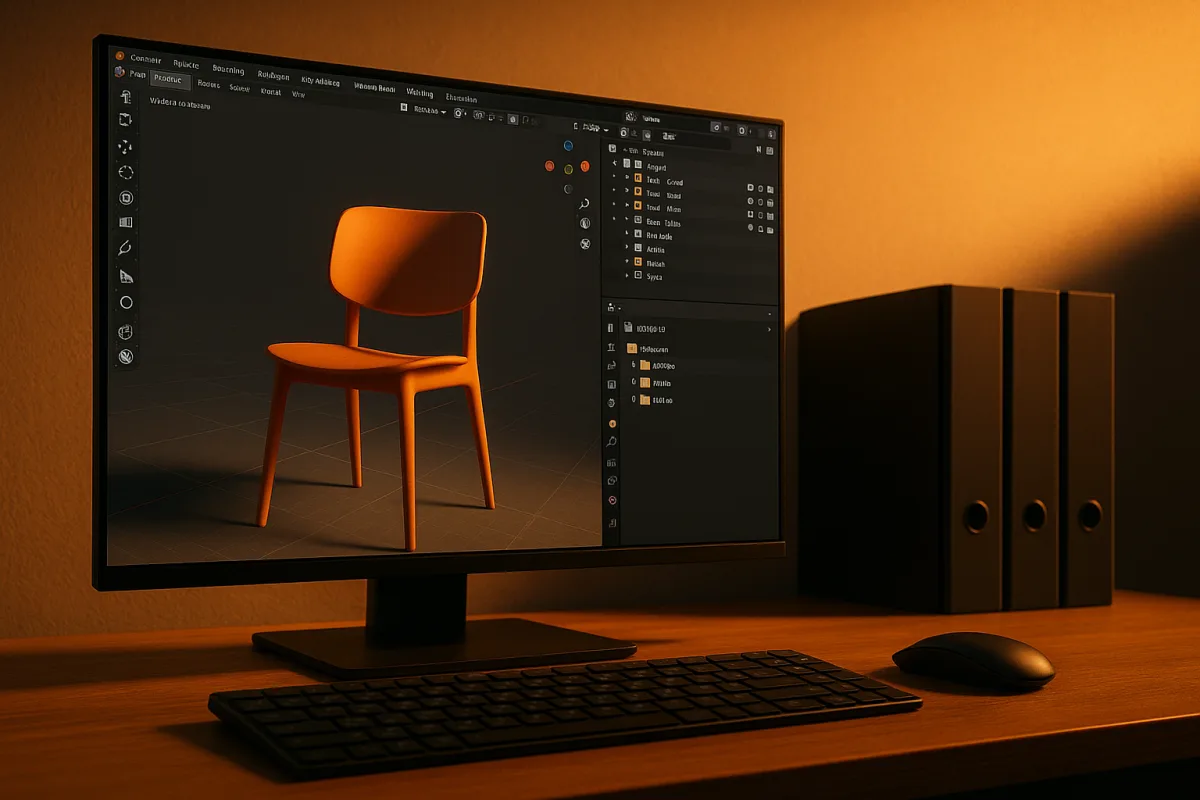
Your scene needs an identity system
You open a shot file, select a chair, and the Outliner says Cube.047. Its material has another generic name. The chair may also exist in three other scene files, each with slightly different edits.
That is the point where file organization stops being housekeeping. You cannot confidently decide which chair is current, whether an edit will affect another shot, or whether deleting an object will remove something the scene still needs.
We would organize a Blender project around one idea: every asset gets a consistent identity that survives from the disk folder to the .blend file, the collection, and the datablocks inside it. This is the system that keeps your work findable as it grows.
An asset identity is not one label pasted onto everything. It is a chain of labels, each answering a different question: where does this asset live, what file contains it, what role does an object play, and which data belongs to it.
Blender Studio’s naming guidance emphasizes lowercase names, underscores for spaces, dashes to separate items, and unique namespace identifiers for datablocks. The aim is compatibility with cloud storage and pipeline automation as well as human readability. [6]
For a solo artist, that can sound like studio overhead. It is not a rule that every small study requires a production pipeline. It becomes a habit worth forming when you reuse assets, revisit work after weeks away, or send files to another artist.
Start at the project root
Create one project root folder before you start modeling. Inside it, separate the broad asset families you expect to maintain: characters, props, sets or environments, libraries, textures, renders, exports, and working files.
RenderRoute recommends a hierarchical structure that separates asset types and keeps a project from becoming a flat directory full of unrelated scene files. [1] The hierarchy lets you answer a basic production question quickly: is this file the chair asset, the kitchen set, or the final camera shot?
Keep reusable source assets separate from shot files. A character belongs in the character area, a prop belongs with props, and a finished scene that assembles them belongs with shots or scenes. Do not bury the only source chair inside a final kitchen render file.
Blender 4.2 LTS documentation describes a project-oriented directory structure, and Blender’s Project feature supports a .blender_project directory for multi-file work. [4][5] That setup gives the project a defined home for paths and shared resources.
The cost is a little planning at the start. The payoff comes later, when an image texture, linked library, or external export needs to resolve from a predictable location instead of from a desktop folder nobody can reconstruct.
Use names that explain purpose before opening a file. A working file named char-gabby-concept.blend identifies its type, asset, and task at a glance, following Blender Studio’s file naming pattern. [6]
The separators have jobs. Use dashes to divide name parts, use underscores inside a multiword name, and keep letters lowercase. Avoid special characters that may behave poorly across operating systems, cloud storage, and automated tools. [6]
You do not need elaborate numbering for every asset. Add a version indicator only when it helps distinguish intentional revisions, and avoid labels such as final_final_2, which record anxiety rather than a usable state.
Name the data Blender actually uses
A filename alone does not organize a Blender scene. Blender stores and displays many datablocks, including objects, meshes, materials, images, lights, and rigs. If those retain generic names, the Outliner and data menus become unreliable maps.
Give objects clear role-based names, then give their underlying data equally clear names. A chair object and its mesh can be related without being indistinguishable, which helps when several objects share one mesh or material.
Blender Studio recommends unique namespace prefixes such as GEO- for geometry, LGT- for lights, and RIG- for rig data. [6] Prefixes tell you what kind of datablock you are looking at before you inspect its settings.
This is especially important when you append or link libraries. Two assets can both contain a material called metal, but a clearer name such as MAT-chair_brushed_metal tells you which asset owns the look and reduces name collisions.
Namespaces also make handoff less fragile. An artist opening a large scene can distinguish geometry, lighting, and rig components in the Outliner without relying on a creator’s memory of how the file was assembled.
Use Blender 4.2 LTS Collections as the scene-level part of the identity system. A collection called Characters, Props, or Environment establishes what an object is doing in this shot, even if its source asset exists elsewhere. [1]
Collections are not folders on disk. They organize scene membership and visibility inside the .blend file. Your project folder answers where an asset lives permanently, while a collection answers where it belongs in the currently assembled scene.
Keep that distinction clean. A prop can live in the props library on disk and appear in a Kitchen collection in one shot, then a Street collection in another. The source asset has one home, while its scene role can change.
The Outliner is where this system becomes visible. RenderRoute recommends organizing objects logically with collections, while Blender documentation presents the directory structure that supports them outside the scene. [1][4] Check both before deleting or moving data.
Protect essential datablocks from accidental deletion where Blender provides that control. [1] The point is not to lock every element. It is to preserve the assets that many scene elements depend on, such as a core rig or a shared material setup.
Link assets, do not duplicate them
Linked libraries are the decisive part of this approach for recurring assets. Keep a reusable character, prop, or environment module in its own .blend file, then link it into the shots that use it. Blender supports linking and appending data from external Blender files. [7]
Linking maintains a connection to the library source. If the source asset changes, the shot can receive that update instead of forcing you to repeat edits in every copy. This is what turns a neat folder layout into an efficient production structure.
Appending has a different cost. It brings data into the current file as a local copy, which is appropriate when a shot needs an independent variation. It also means later library corrections will not automatically travel with that appended copy. [7]
We would link a finished, reusable asset and append only when the shot genuinely needs to diverge. A linked hero prop retains one authoritative source. An appended damaged variant can become its own asset if that variation will recur.
This division also clarifies who edits what on a team. The asset artist owns the library file, while layout or shot artists place linked instances in scenes. The organization system decides the boundary, not a verbal promise to remember which copy is current.
Do not link a half-finished asset merely because it has a tidy name. Establish a point at which its geometry, rig, materials, or other relevant parts are stable enough for shot work, then update the library deliberately.
Plan for the tools outside Blender
A .blend file is native to Blender, not a portable container for ZBrush, Substance Painter, or Houdini. When an asset moves to another application, your organization system must include an export branch and a clear record of what was exported.
CyPaint’s Substance Painter workflow calls for exporting compatible formats such as OBJ or FBX, with transforms and UVs prepared for the receiving application. [3] The source .blend remains your Blender asset, while the interchange file becomes a handoff artifact.
Name the export after the same asset identity, then add its purpose. A model sent for texturing should be recognizable as the same prop represented in the Blender library, without confusing the export for the editable master.
Apply the modifiers and UVs required by the receiving workflow before export. [3] This is not a universal instruction to apply every modifier early in the source scene. It is a handoff requirement when the external application needs the evaluated result.
Keep imported texture results, revised meshes, and exports in their own predictable locations. Otherwise, a project can have well-named .blend files while the actual assets used for texturing and rendering scatter across temporary folders.
Versions, backups, and file weight
A shared project needs version control because several people can change the same asset library and scene files. Git with Git LFS is recommended for collaborative work, and pre-receive hooks can enforce LFS use for files that should not enter ordinary Git storage. [1]
Git LFS is relevant because large binary files, including .blend files and textures, are poor candidates for ordinary text-oriented version tracking. Teams need an agreed system before artists begin overwriting each other’s work.
Solo artists have a different threshold. Full studio version control may be more machinery than a personal project needs, but Blender auto-save and save versions should not be your only backup plan. Maintain independent backups of the project. [1]
Use save versions to preserve milestones, then back up the project root externally on a schedule you trust. The key decision is recovery: if today’s scene corrupts or an unwanted edit replaces yesterday’s good work, you need a copy outside the active file.
Do not invent a file-size limit and reorganize only after reaching it. Blender documentation does not publish a strict maximum .blend size, though large files can create performance problems. [4][7] Scene responsiveness depends on what the file contains and how it is built.
Instead, watch for the operational warning signs: slow opening, difficult asset updates, duplicated materials, and scenes that contain unrelated geometry because no library structure exists. Linking, collections, and clear datablock names address those causes directly.
Set up the project root, naming rules, and library boundaries before your second or third asset. That is when the system is still cheap to change. Once every shot contains anonymous copies, organization becomes cleanup work instead of part of the workflow.
Frequently Asked Questions
How should I name assets and datablocks in Blender for better organization?
Name assets and datablocks with lowercase letters, using underscores for spaces and dashes to separate name parts. Use unique namespace prefixes for datablocks, such as GEO- for geometry or MAT- for materials, to clarify their type and reduce name collisions. This approach helps distinguish objects and their data clearly in the Outliner and menus.
What are best practices for naming Blender files and collections?
Blender files should follow a pattern like (type)-(asset name)-(task).blend, for example, char-gabby-concept.blend, to communicate the file’s purpose at a glance. Collections inside Blender organize scene membership and visibility but are not folders on disk; name collections by their role in the scene, such as Characters, Props, or Environment, to clarify an object’s function within the shot.
How do naming conventions improve Blender project workflows?
Consistent naming conventions create a stable identity for each asset across folders, files, collections, and datablocks, making assets easy to find and manage as a project grows. Clear names reduce confusion about asset versions and roles, support automation, and make collaboration and handoff less error-prone by providing predictable, human-readable labels.
Why use namespaces and prefixes in Blender asset names?
Namespaces and prefixes identify the type of datablock before inspecting its settings, helping users quickly recognize geometry, lights, rigs, or materials. This reduces name collisions when linking or appending assets from different files and makes large scenes easier to navigate and maintain.
How can consistent naming prevent errors in linked Blender files?
Consistent naming ensures that linked assets maintain a clear, unique identity, which helps track which version is current and prevents accidental overwrites or deletions. Using namespaces and descriptive names reduces confusion when multiple assets share similar data names, making fixes propagate correctly across all linked scenes.
How we researched this
This article was assembled from 7 cited references.
Nothing here is based on hands-on testing. Where a figure or finding appears, it belongs to the source cited beside it, and the writing says so rather than implying otherwise. Every source is listed below so you can check it.
Sources
- How do I organize a large 3D project in Blender? | RenderRoute
- Blender File Management Tips for Organized Projects
- Importing Blender Files To Substance Painter: A Step-By-Step Guide | CyPaint
- Directory Structure - Blender 4.2 LTS Manual
- Blender Projects - Blender Developer Documentation
- Naming Conventions | Blender Studio
- Introduction - Blender 5.2 LTS Manual
Related Articles
Blender File Management Tips for Organized Projects
Learn Blender file management tips to organize projects, name files clearly, use relative paths, and manage backups effectively.
Blender Project Setup for Rendering: Organize and Optimize
Learn how to set up a Blender project for rendering with proper file organization, scale, render engine choice, and output settings for efficient
Best Practices for Creating 3D Environments in Blender
Learn best practices for creating modular, efficient 3D environments in Blender with topology, LOD, and Geometry Nodes tips.

Best Practices Exporting Models from Blender
Learn best practices exporting models from Blender, including applying transforms and choosing correct export settings for FBX and OBJ formats.